
New matchup
Publish a Fresh Versus Page
New competitor in the market? Ship the versus article and the card in the same commit — the split logo lockup does the framing.
Head-to-head pages convert the hardest and live or die on the share. Put both wordmarks and your verdict on the unfurl so the link wins the click in every thread it lands in.
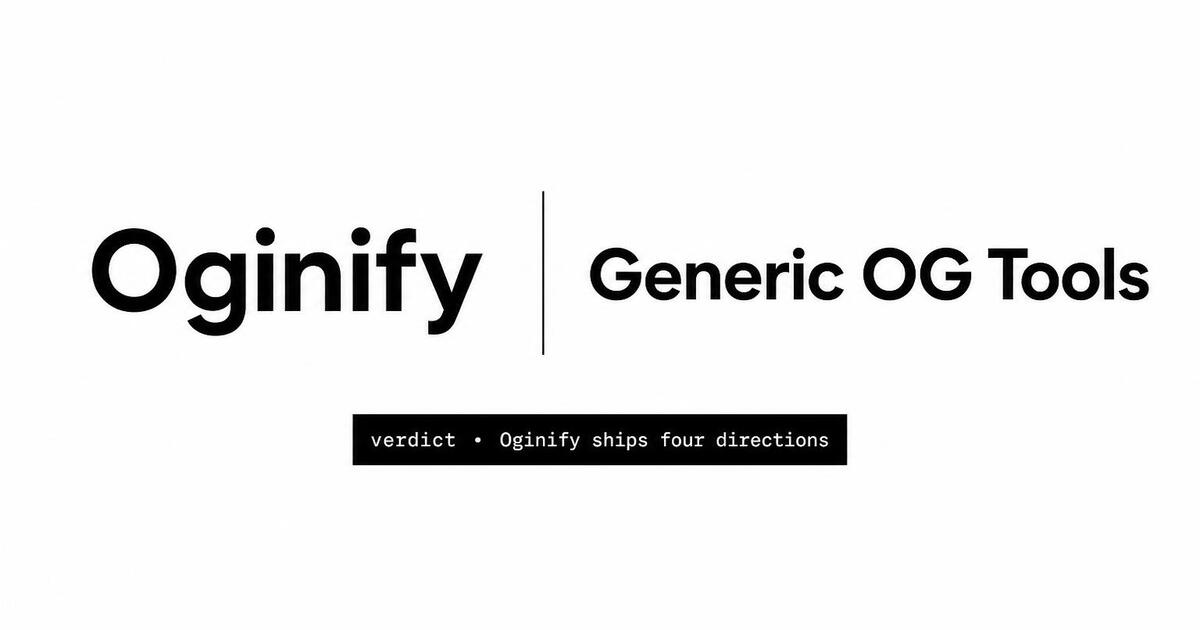
Built for selection-intent pages that reach an audience already choosing between two products — the card needs to look authoritative the moment it unfurls.
Oginify reads both products from the page and renders both wordmarks side by side with a 'vs' divider. The recipient sees the matchup before they click — the card is the headline, not the URL slug.
If your page has a clear recommendation ('better for teams', 'better for solo devs'), Oginify surfaces it as a chip on the card. The reader sees the verdict and decides whether they need the rest of the post — better-qualified clicks, higher time-on-page.
The same engine renders a 3-logo or 4-logo card for 'alternatives' roundups and buyer's guides. The grid auto-balances so no logo dominates by accident — the card reads as research, not a hatchet job.
Comparison links spread fast — a logo that renders wrong on LinkedIn is a brand problem you can't recall. The built-in validator confirms both wordmarks and the verdict chip render correctly across every major platform first.
When the competitor ships a feature that invalidates a row in your table, edit the page and re-run Oginify. The card updates and the share in last quarter's thread unfurls with the fresh verdict next time someone clicks.
If you maintain a /comparison/{slug} matrix with dozens of vs pages, the Oginify API generates one card per slug. Wire it into your CMS publish flow once and every new comparison ships with a card automatically.
SaaS · stacklane.com
A direct head-to-head page can convert at 8% or look like a hatchet job, and the OG card decides which one happens before the prospect reads a single matrix row. Oginify renders both wordmarks at equal weight with a neutral 'vs' divider, plus an optional verdict chip when the page commits to one. The buyer Slack sees a comparison; the competitor's deal doesn't get killed by the unfurl.
E-commerce · kestrel & co
DTC comparison pages convert in group chats because of the photo grid — two coats next to each other, three mattress profiles in a row. That's also why the default unfurl tanks: it hides the grid behind a single thumbnail. Oginify rebuilds the side-by-side directly on the card, products balanced, prices stamped underneath, so the call gets made before anyone has to click.
Content & media · the meridian
Buyer's guides — 'How to choose a CRM in 2026' — earn evergreen organic traffic by being decision frameworks, not listicles. The card has to signal that depth or it gets scrolled past as another roundup. Oginify pulls the headline into a serif lockup and arranges the compared categories as a quiet horizontal lineup. The signal lands: this is analysis worth thirty minutes, not a ranked list.
Dev tool · forge.dev
On Hacker News, dev Reddit and engineering Slacks the unfurl gets read before the URL, and a sponsored-looking comparison card kills the link there. A balanced monospace grid of 3–4 project wordmarks over a terminal-flavored backdrop lands as honest research instead. Oginify builds the grid directly from the page, so the audience that decides whether your roundup is fair has the answer in the preview.
Versus posts get shared into evaluation threads. The card should show which brand is on which side.
New matchup
New competitor in the market? Ship the versus article and the card in the same commit — the split logo lockup does the framing.
Explainer
A comparison card that spells out the two brand names earns the click even when the tweet body only names the winner.
Reddit reply
Founders like indie builders answering X vs Y threads reply with the URL — the card carries the split visual before the click.
Freshness
Wire the endpoint into the CMS so a competitor rebrand triggers a card refresh on every versus page.
The card has to say 'vs' before anyone reads the H1 — two brand marks, one contested metric, no ambiguity about which side is yours.
Left half your mark and palette, right half the alternative in muted neutrals; a vertical hairline keeps the frame honest.
One line under the split: 'pricing', 'time-to-first-value', 'export formats'. That axis is the reason the reader clicked.
Show a single decisive row on-card — a checkmark you have that they lack, a number you beat. The full table waits behind the click.
HomepagePricing pagesArticles & blog postsDocs & API referencesCase studies & customer storiesChangelog & release notesAbout & company pages
How to make Open Graph cards for "X vs Y" and pricing-comparison pages.
Paste the comparison URL. The generator reads both product names, pulls both logos, and composes a split-panel 1200×630 card with the two brand marks facing each other over your primary color. Comparison intent is one of the tuned page types, so the layout defaults to two-column vs. generic single-panel.
Comparison links travel through selection-intent threads on X and LinkedIn — people share 'here's why we picked X over Y' with the URL. If the card doesn't visibly show both logos, readers can't tell it's a comparison from the preview and skip it. The two-logo layout signals 'pick me' at feed speed.
Yes — the URL painter fetches the competitor's favicon or apple-touch-icon and uses it as the second mark. Upload a cleaner PNG if you want a higher-fidelity mark; the layout falls back gracefully at either quality level.
Yes. Comparison layouts flex between two-column, three-column and grid depending on how many brand names the generator detects in the page's H1 and comparison table. Above four, the layout collapses to a table header illustration instead of individual logos to stay legible at 1200×630.
Head-to-head vs. pages and pricing-comparison tables. Feature-comparison landing pages ('Product X features vs. Product Y') convert less from the OG card because visitors sending the link already made the pick — the card is a receipt, not a pitch.
Canva templates are blank frames you fill in Figma-style. Oginify reads the comparison URL itself and generates the card with real logos and the actual brand color palette detected from the page — no template selection, no manual logo upload.
Paste any 'X vs Y' URL and get a comparison-ready 1200×630 Open Graph card in seconds.