
Open Graph Cards for Every Shipping Moment
Three ways into the same library: by the page you're publishing, by the kind of site you run, by the mood the link should carry.
Who Actually Ships With Oginify
Four audiences, one engine — the self-serve app for solo builders and agencies, the API contract for CMS and vibe-coding platforms.
- SOLO · 1 person
For Indie Hackers & Solo Builders
You ship on your own timeline — no design partner, no async review. Oginify turns a Sunday launch into every social preview it deserves.
- Pay per card — no subscription, no seat pricing
- Six AI generations a day free, then $0.99 per card
- Each successful regenerate uses one credit, so you only pay for iterations you keep exploring
Featured:Text to OG ImageView use case - AGENCY · 2–20 people
For Agencies & SEO Consultants
Multi-client work needs a workspace, not a personal Figma file. Swap brand palettes between accounts, batch generate for every published route, ship deliverables the same day.
- One login, one workspace per client brand
- Bulk generate every route in a client sitemap
- Handoff-ready zips with no Oginify watermark
Featured:Image to OG ImageView use case - PLATFORM · CMS
For CMS Platforms
WordPress, Contentful, Sanity, Webflow, Ghost — publish hooks that fire on save, template presets per section, one integration contract for every editorial backend.
- Fires on publish, never touches the editor UI
- Template presets per post type stay on-brand
- One API contract across every reference integration
Featured:API accessView use case - PLATFORM · AI app builder
For Vibe-Coding Platforms
Lovable, v0, Bolt, Cursor, Windsurf — bake share cards into the build output so every app your users deploy carries a real OG image by default.
- Runs inside the build, not in the app UI
- One card per route, wired to og:image automatically
- Priced per deploy, not per end user
Featured:API accessView use case
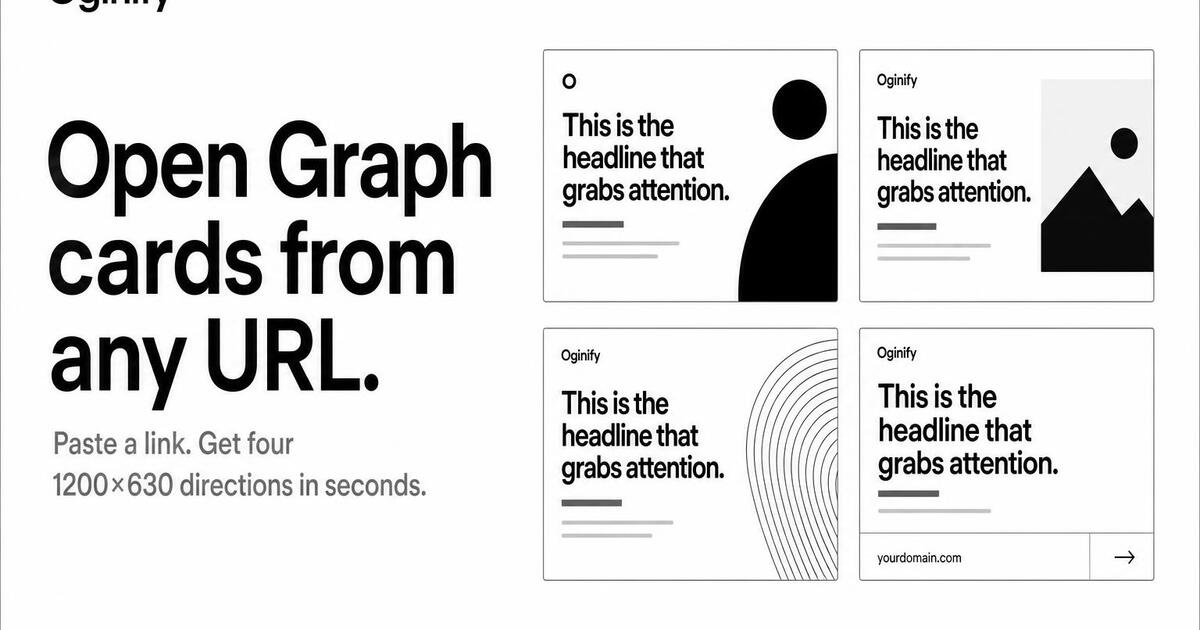
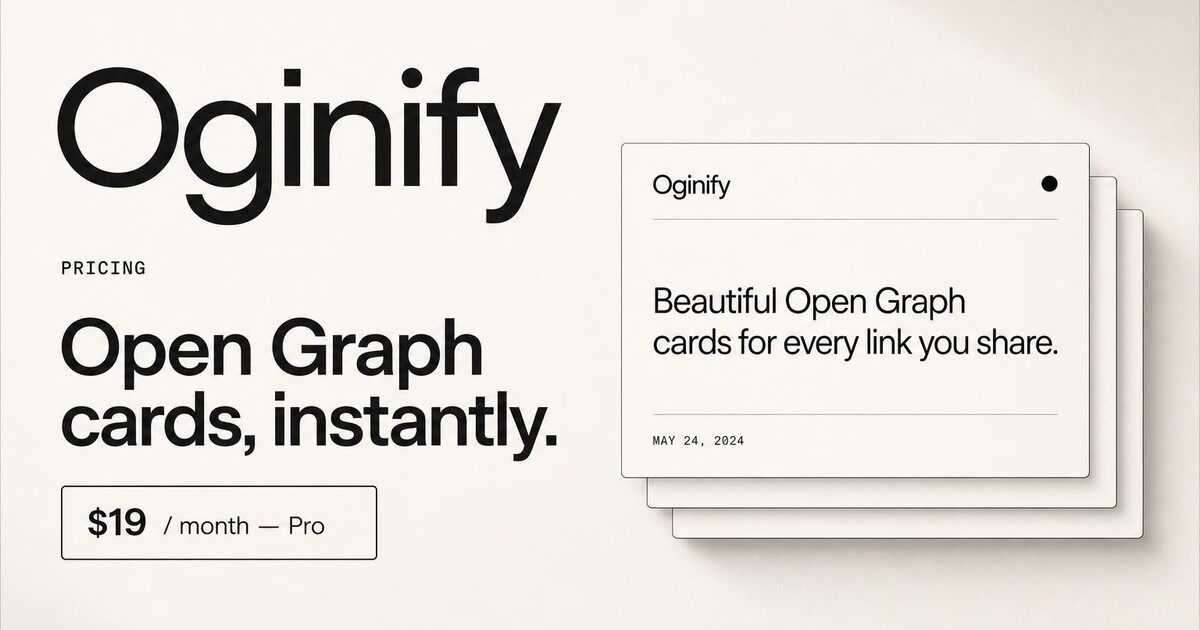
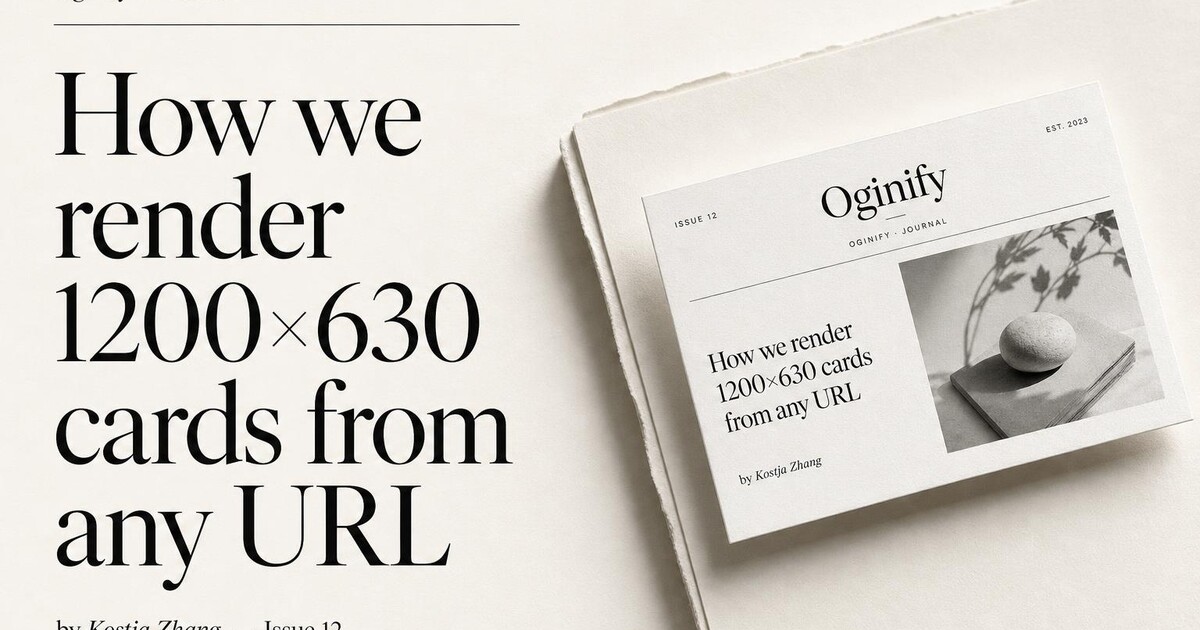
By page type
Pick the page you're shipping today — landing, pricing, article, comparison — and follow its guide.
Browse all 11 →
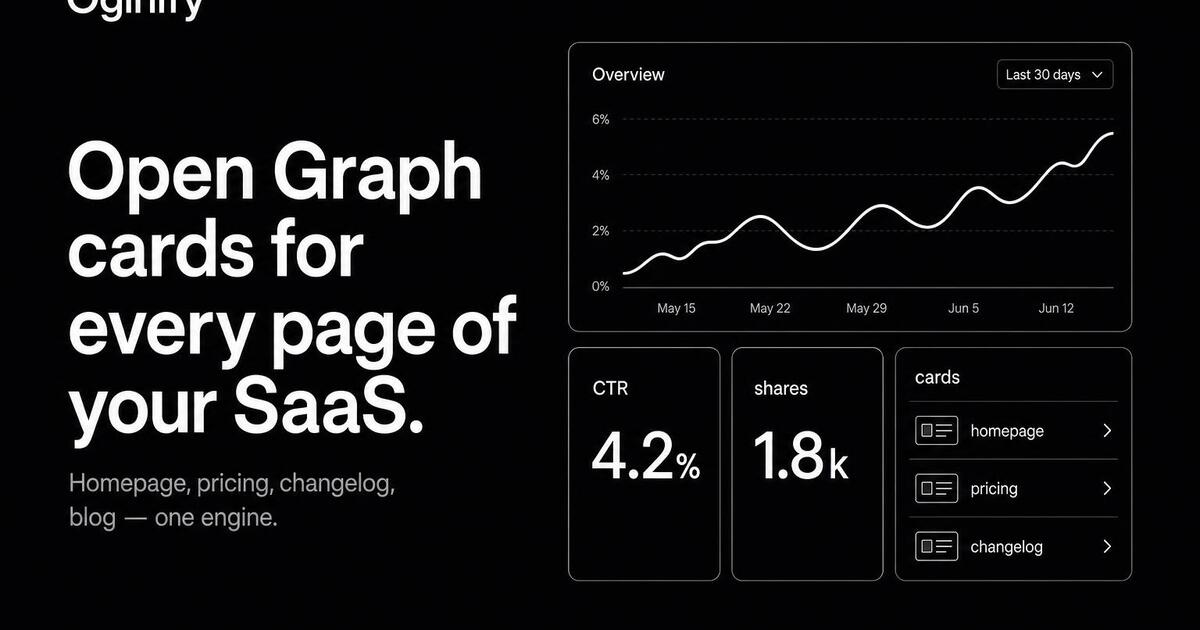
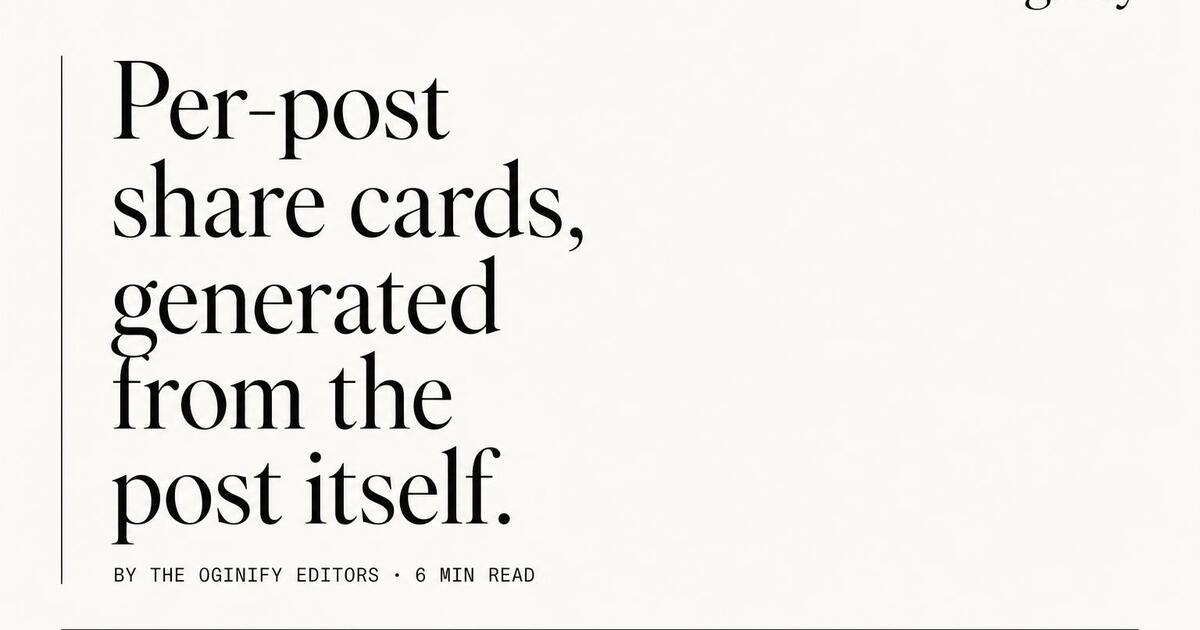
By website type
Storefront, SaaS, blog, dev tool, agency — each category has its own sharing patterns.
Browse all 10 →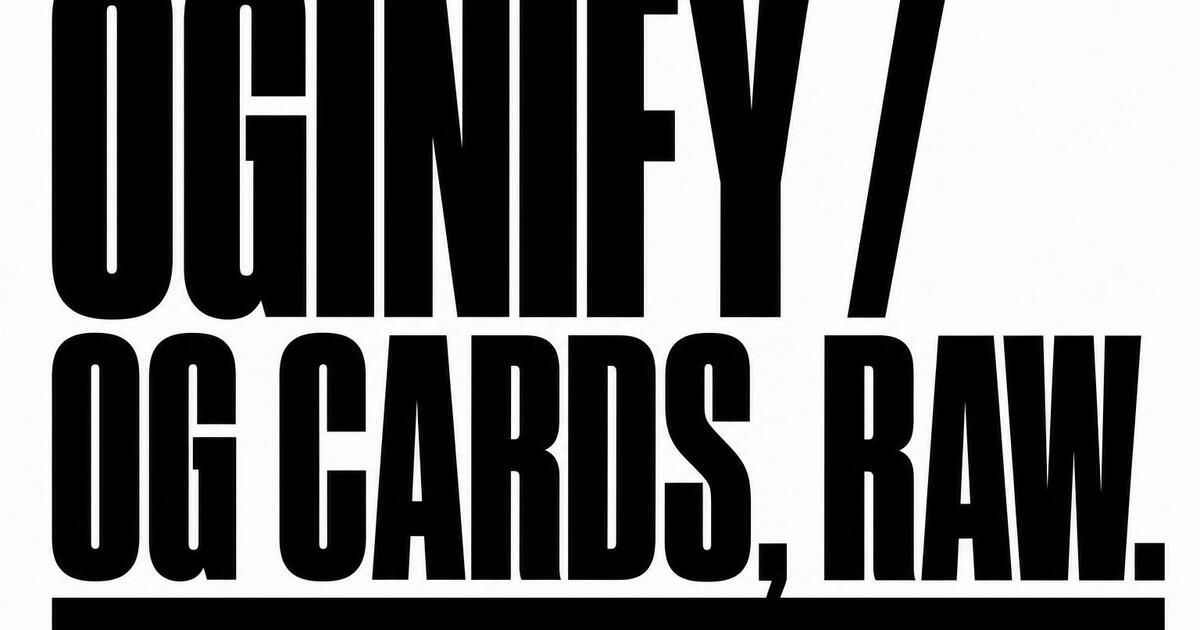
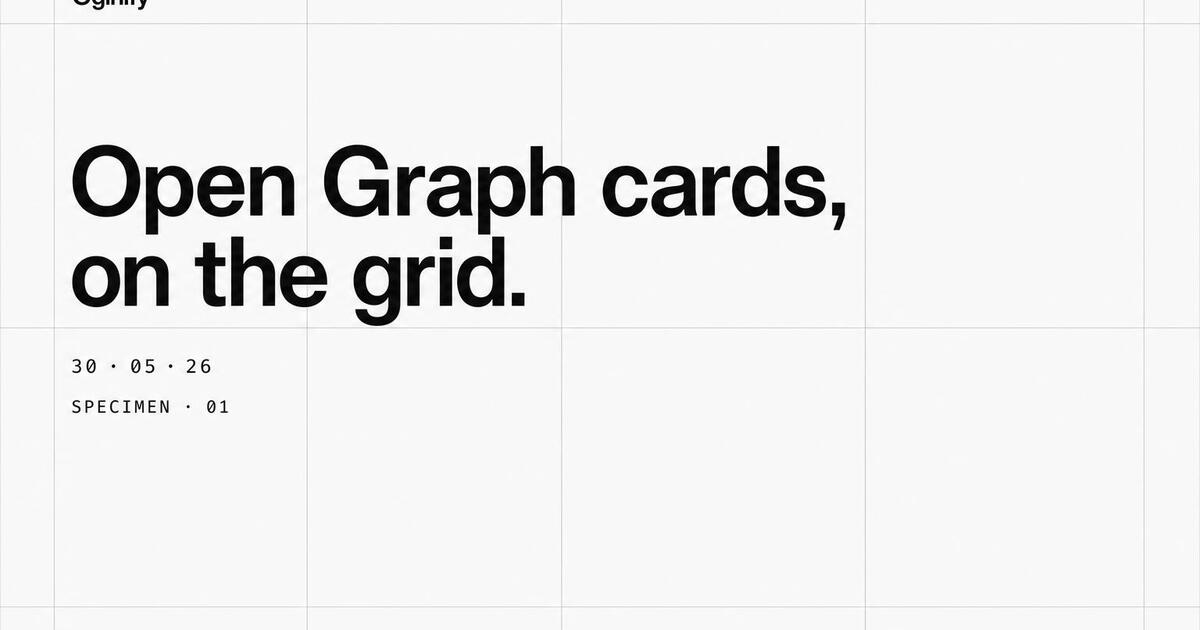
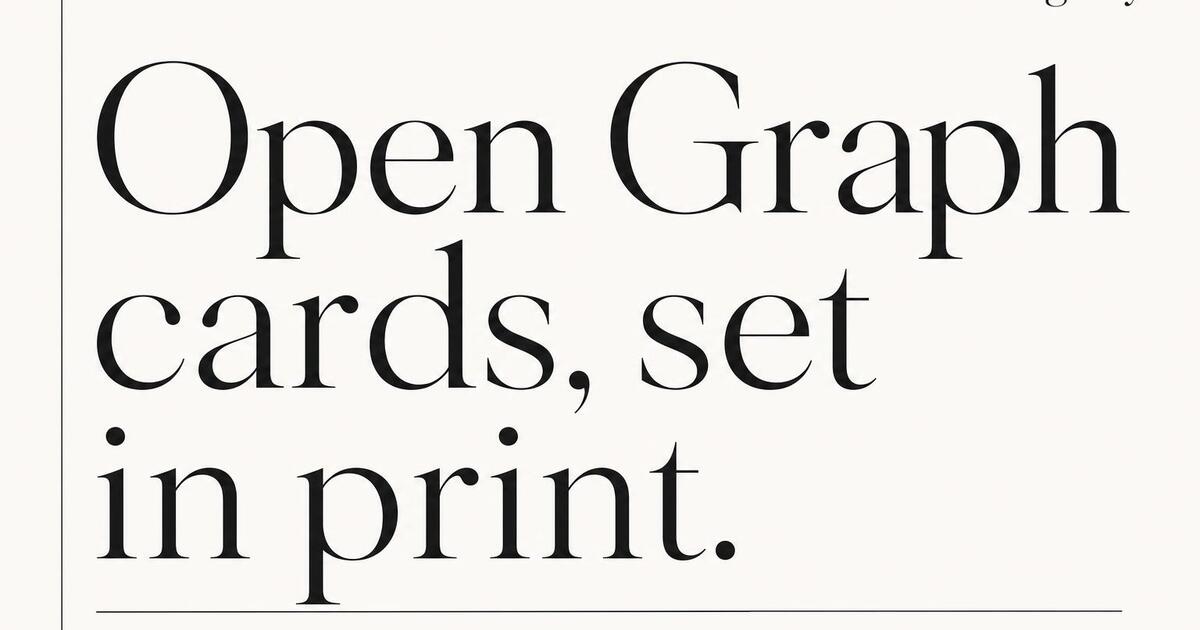
By visual style
Brutalist, Swiss, magazine, terminal — pick the aesthetic that fits your brand and feed.
Browse all 11 →Frequently Asked Questions
Who uses Oginify, which use cases are the strongest fit, and how the four persona pages differ.
Who is Oginify actually built for?
Four groups it fits best: solo makers shipping side projects, agencies delivering multiple client sites, editorial teams publishing per-article cards, and platforms embedding auto-generated OG images into their users' outputs. Each has a dedicated persona page linked above with the specific setup.
How is Oginify used differently by an indie hacker vs. an agency?
Indie hackers use the web UI once per launch and paste four meta tags into their <head>. Agencies use the API to generate cards across every client project on publish, with per-client color and logo presets. Same tool, opposite volume — the persona pages break both flows down.
Do editorial teams need a card per article or just one site-wide?
A card per article. One generic 'blog' image across hundreds of posts is the digital equivalent of a stock photo in a press release — it lifts click-through meaningfully to make each card the actual headline. The /use-cases/for-cms-platforms page shows the webhook setup.
How do platforms like Notion, Framer or Webflow use Oginify?
By embedding the API into the publish pipeline: every page a customer publishes on the platform triggers a call, and the returned CDN URL becomes the og:image for that specific page. End users get per-page cards without designing anything. See /use-cases/for-vibe-coding-platforms.
Can I embed Oginify into my own product's white-label pipeline?
Yes. The dedicated-tenant plan lets you run the pipeline under your domain with your CDN, and cards can be watermarked with the end customer's brand rather than Oginify's. Email hello@oginify.com with rough monthly volume for a quote.
What if my use case doesn't match any of the four persona pages?
The core tool works for any team that ships web content. The persona pages are conversion-optimized entry points, not gatekeepers — if you're a marketing team at a mid-market SaaS or a solo dev at an enterprise, start from the homepage and skip the persona menu.
Stop Browsing, Start Shipping
The cards you've been browsing on this hub were all painted the same way — one URL, four variants, no template picker in the middle.