
Open Graph Cards by Page Type
Choose the page you're shipping — homepage, pricing, article, comparison — and copy the card pattern the best teams use for it.
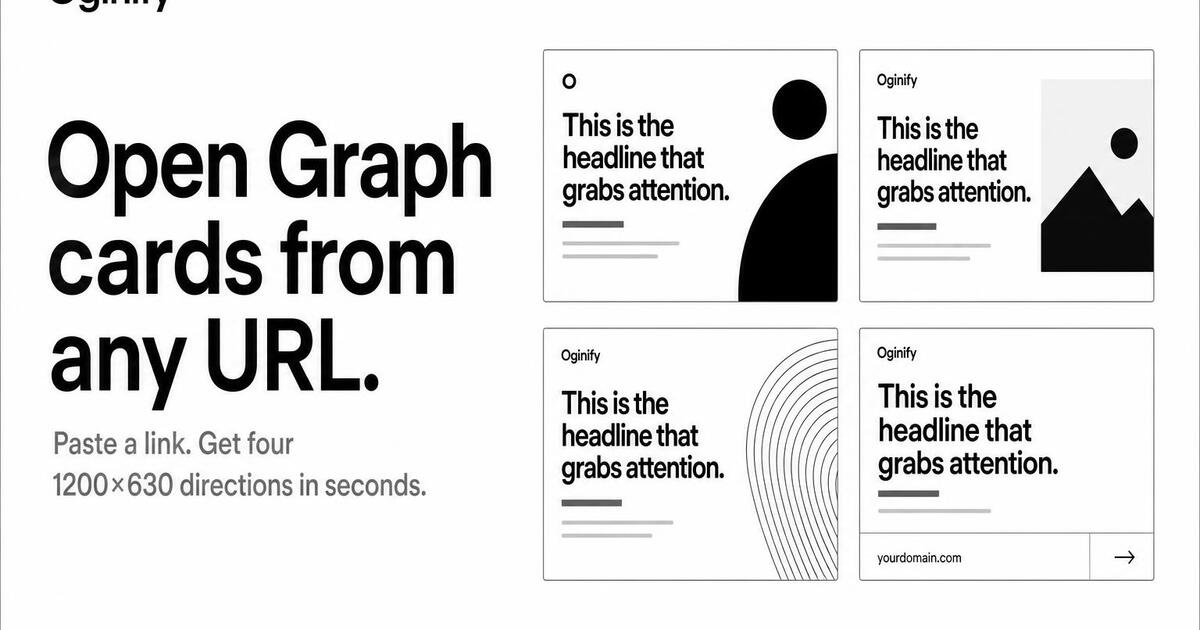
Homepage
Your root domain — the most-shared, highest-authority page on your site. The card people see when your brand first lands in someone's feed.
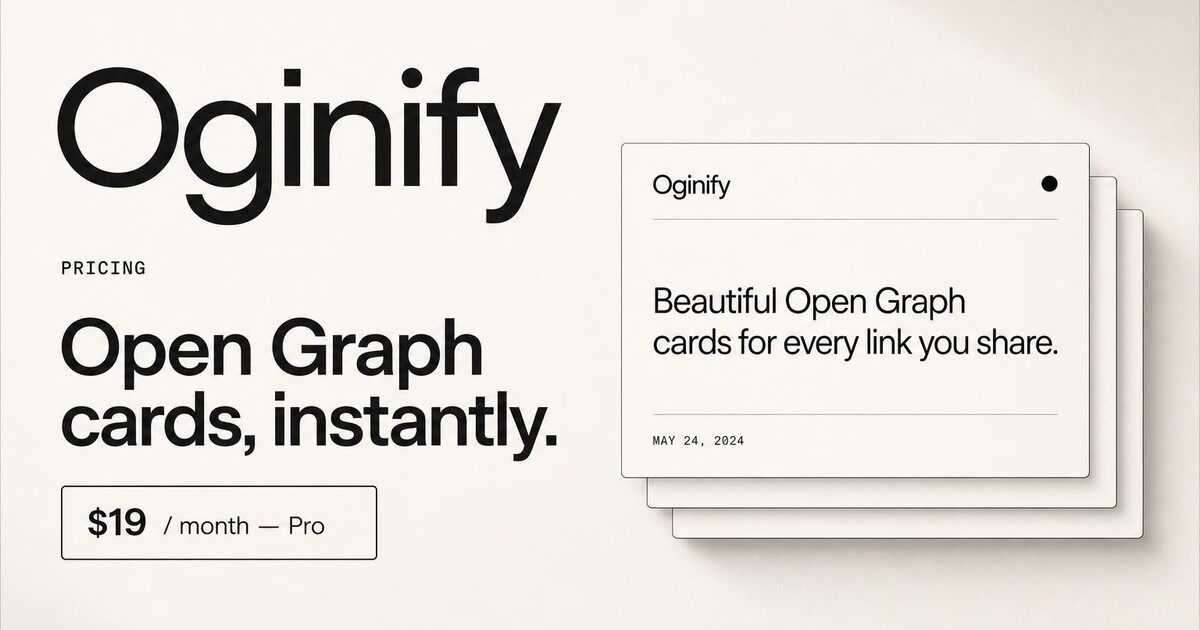
Pricing pages
High-intent links shared in deals, threads and proposals — the unfurl should sell.
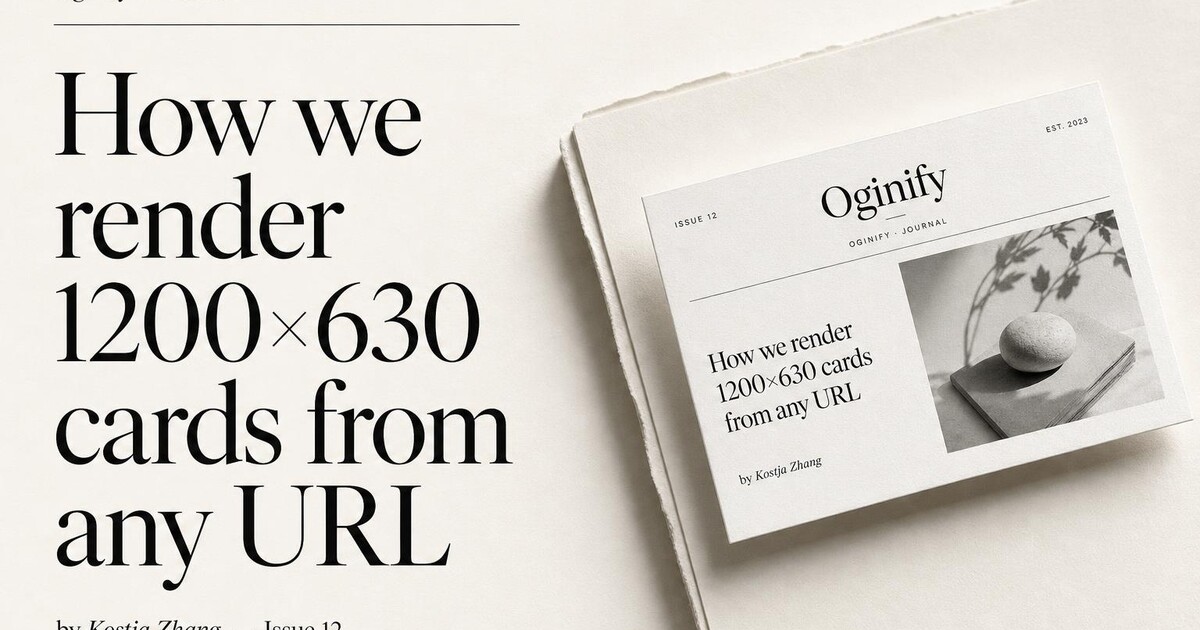
Articles & blog posts
Per-post cards using the real title, byline and brand — at content scale.
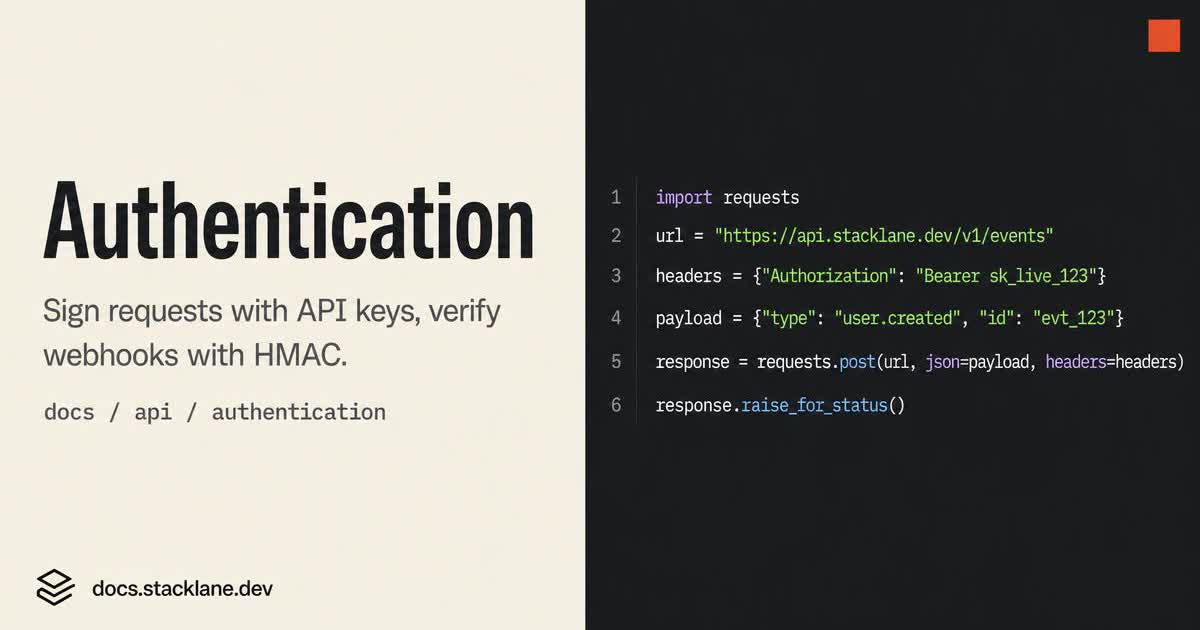
Docs & API references
Turn every docs URL into a card that shows the endpoint, not a generic wordmark.
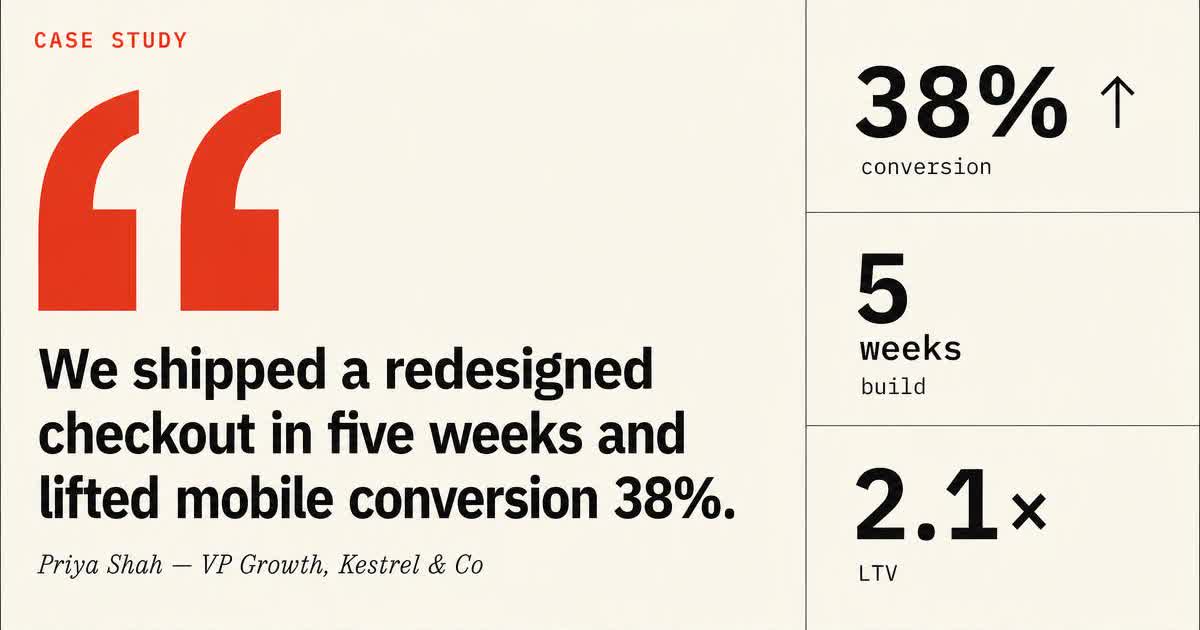
Case studies & customer stories
Every customer story lands as a card built around the pull-quote and the outcome number.
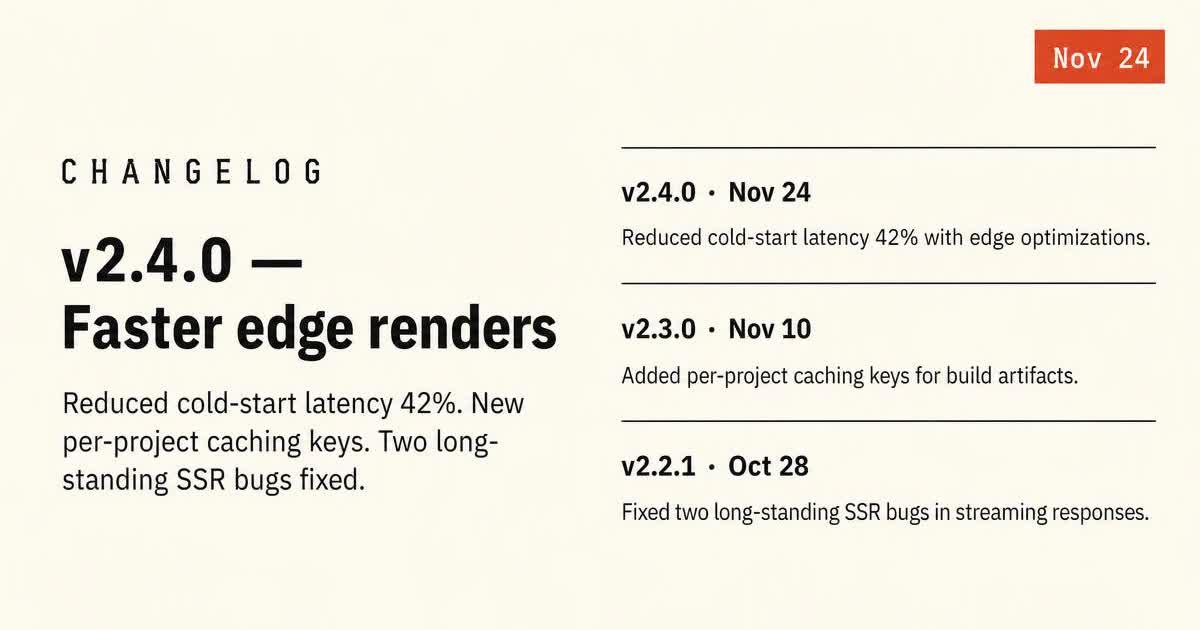
Changelog & release notes
Every release note becomes a dated card that reads like a v-tag, not a marketing banner.
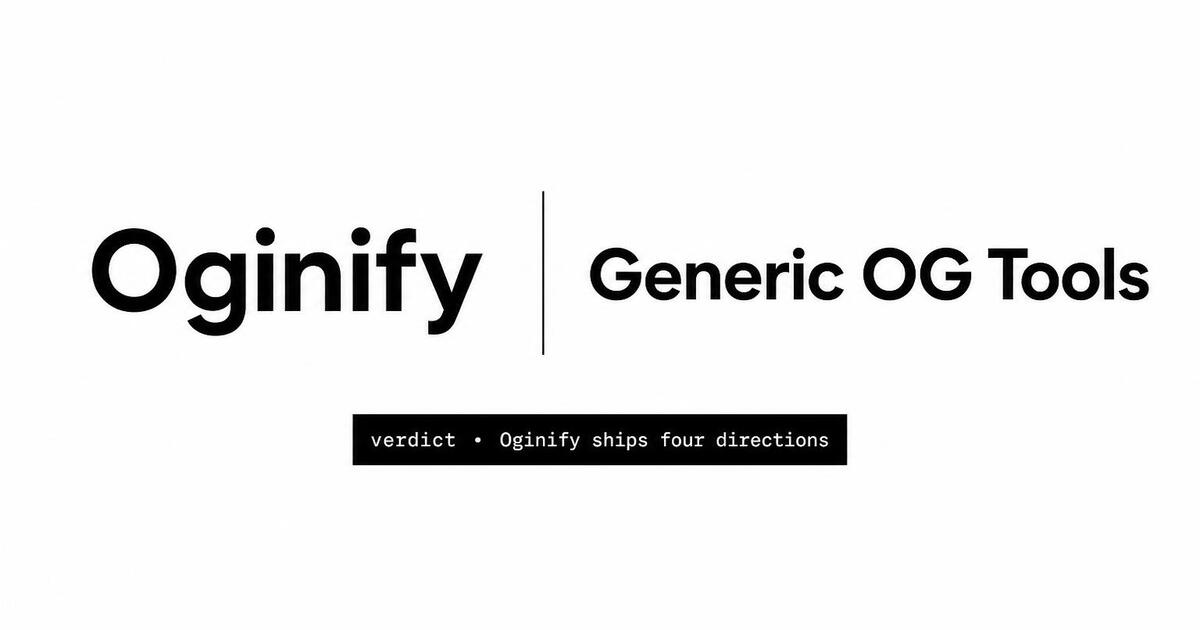
Comparison & vs pages
Selection-intent pages that travel through threads — designed to win the click.
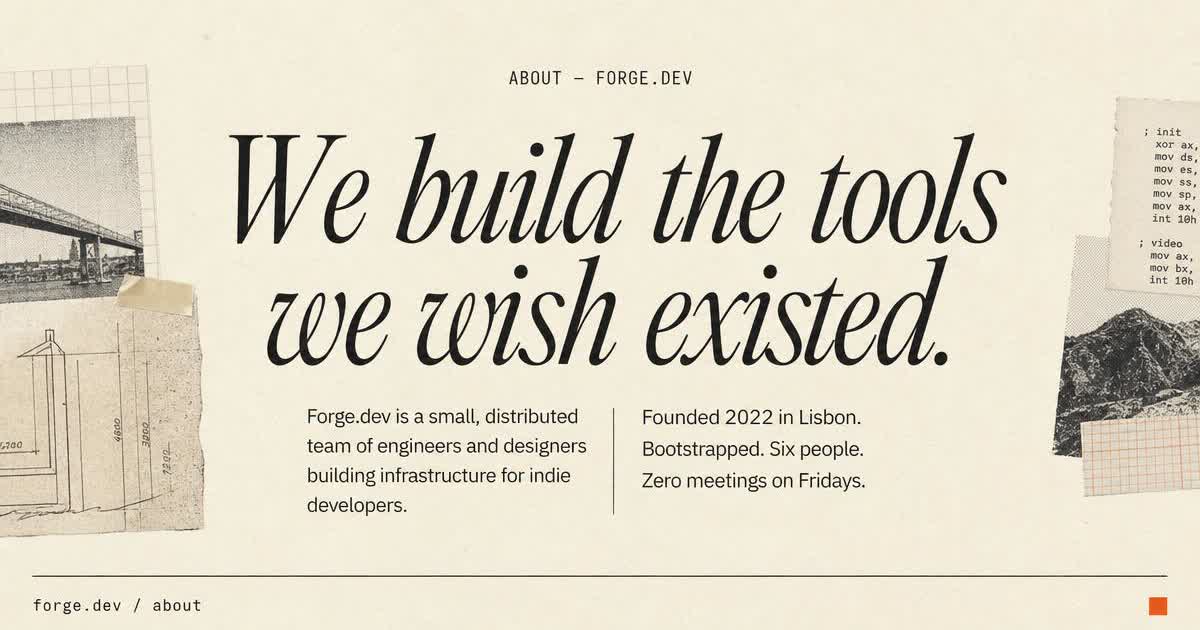
About & company pages
The about page unfurl reads like the cover of the company, not the header of every other page.
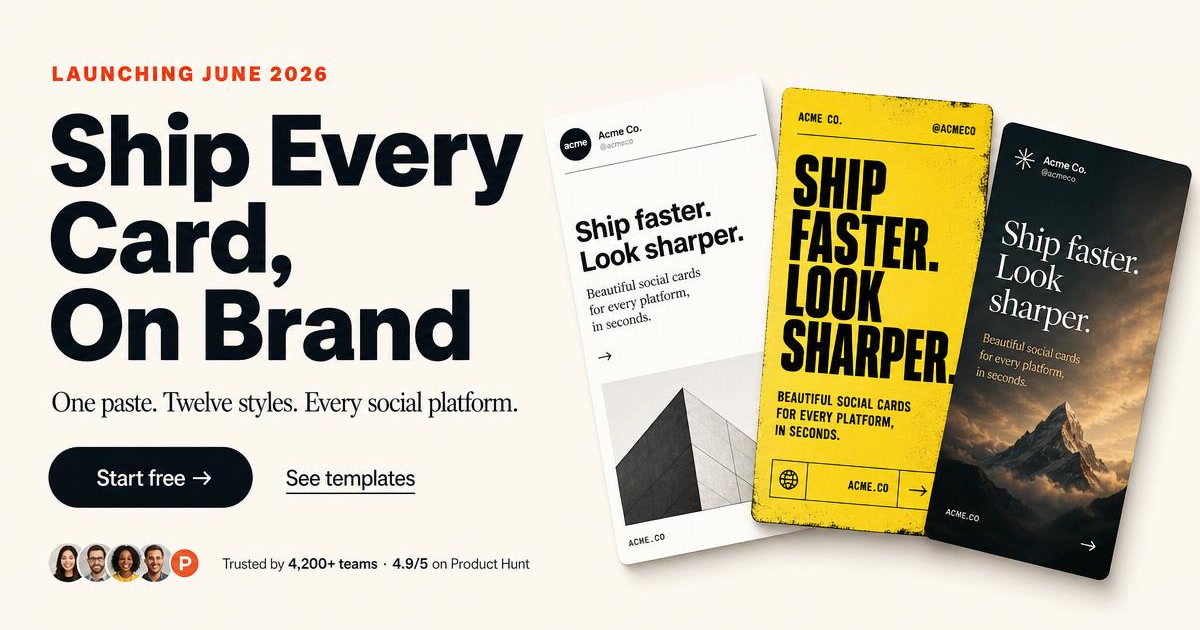
Landing pages
SoonFeature, use‑case, launch and waitlist pages built to convert one specific audience.
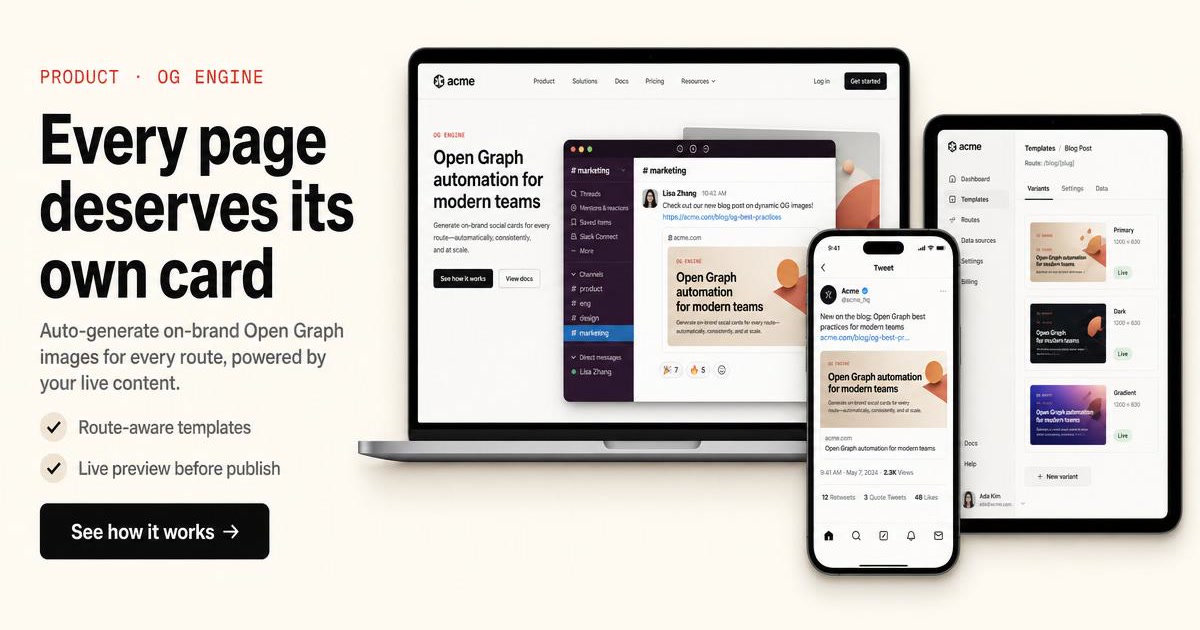
Product pages
SoonE‑commerce PDPs with per-SKU images that auto-refresh on price changes.
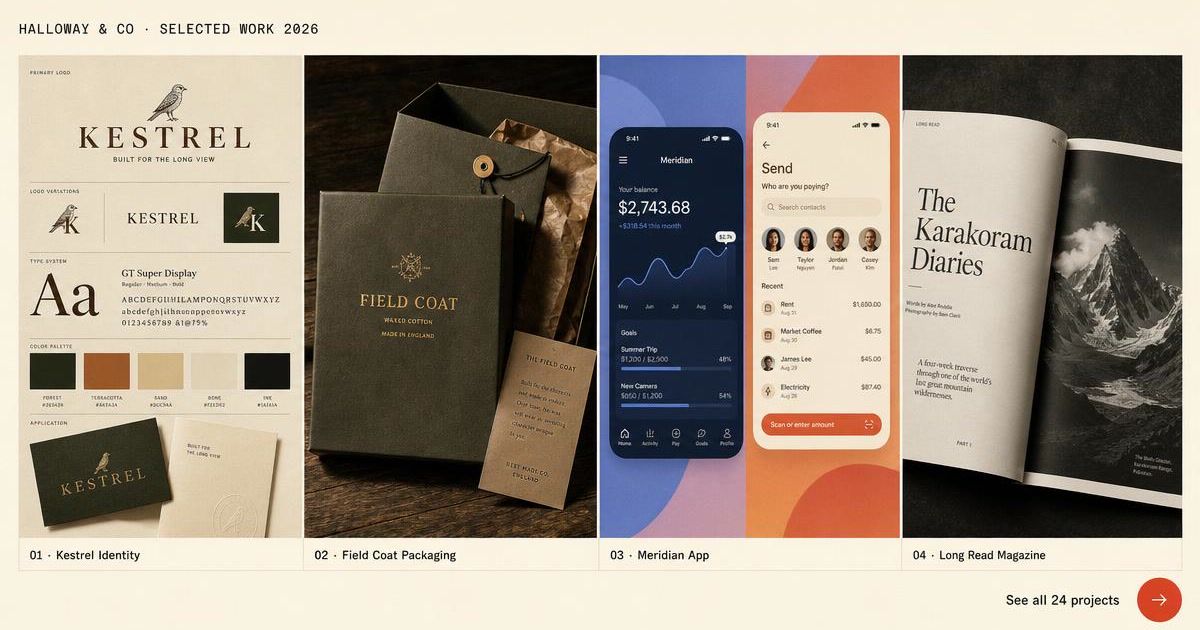
Portfolios & personal sites
SoonSide projects, case studies and essays — every link is a tiny pitch.
Frequently Asked Questions
How the page-type hub works and which page types benefit most from a custom OG card.
How do I generate an Open Graph image for a specific page type?
Pick the page type from the grid above — homepage, article, product, pricing, comparison, landing page, portfolio, docs/changelog. Each leaf has a tuned prompt for that intent, so a pricing card leads with price, an article card leads with headline, and so on.
Which page types benefit most from a custom OG card?
Pricing, comparison and landing pages have the highest share-to-click lift because visitors sending those links are already at buying intent — the card carries the pitch on their behalf. Article and homepage cards matter for organic and social reach.
Do I need a different card for every page on my site?
For high-traffic pages (homepage, top articles, main pricing/comparison), yes — the CTR uplift covers the effort. For long-tail pages that rarely get shared (privacy policy, /login, /404), a site-wide fallback card is enough.
Can one Oginify workspace cover all page types on the same site?
Yes. Set the brand preset once (color, logo, font-pair) and every page-type leaf inherits it. The visual system stays consistent across article, pricing and homepage cards even though the underlying layouts differ.
How is picking by page type different from picking by style?
Page type decides what the card communicates; style decides how it looks. A pricing page can be rendered in Swiss or magazine style — same intent, different aesthetic. Most teams pick the page type first, then lock a style at the workspace level.
What if my page type isn't in the hub?
Use the homepage entry — the generic URL painter handles any page. The hub leaves are conversion-optimized entry points for common intents, not a hard limit on what the tool covers.
Stop Browsing, Start Shipping
The cards you've been browsing on this hub were all painted the same way — one URL, four variants, no template picker in the middle.