
Ready-to-Ship Open Graph Templates
Fully-designed Open Graph styles, each with its own type scale, palette, and anti-pattern list, ready to fork.
Templates by Type
Every template below is a full landing page with a matching Open Graph card, FAQ, and prompt reference. Switch axes to browse by page, website, style, or language.
Pick a template by the page you're sharing — homepage, pricing, article, changelog.
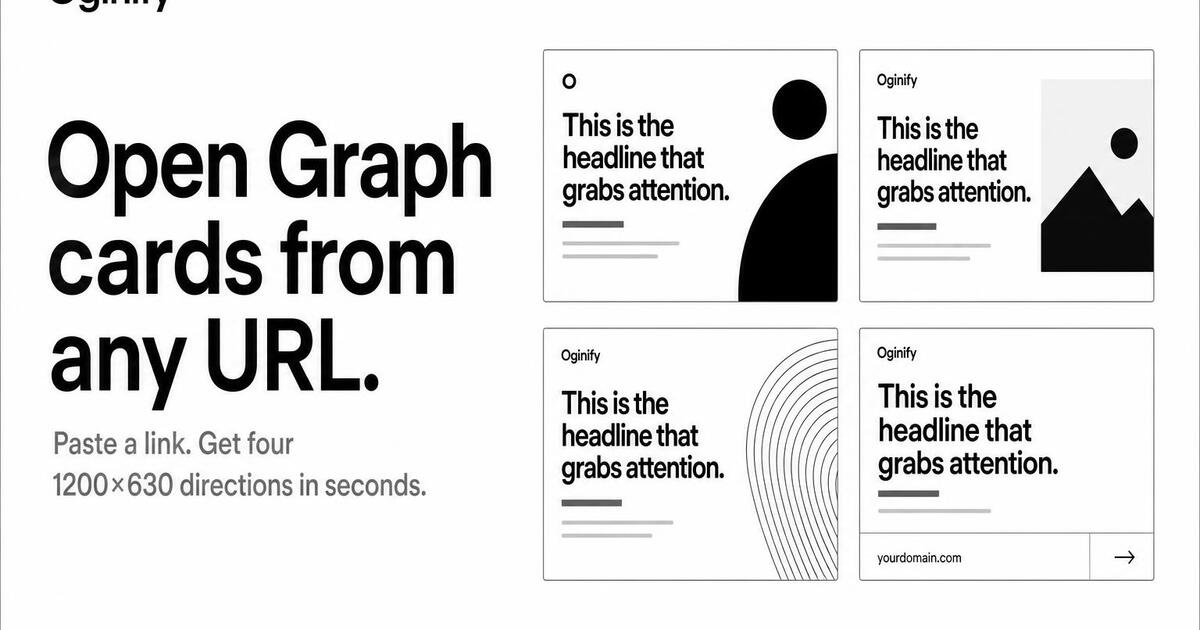
Homepage
Your root domain — the most-shared, highest-authority page on your site. The card people see when your brand first lands in someone's feed.
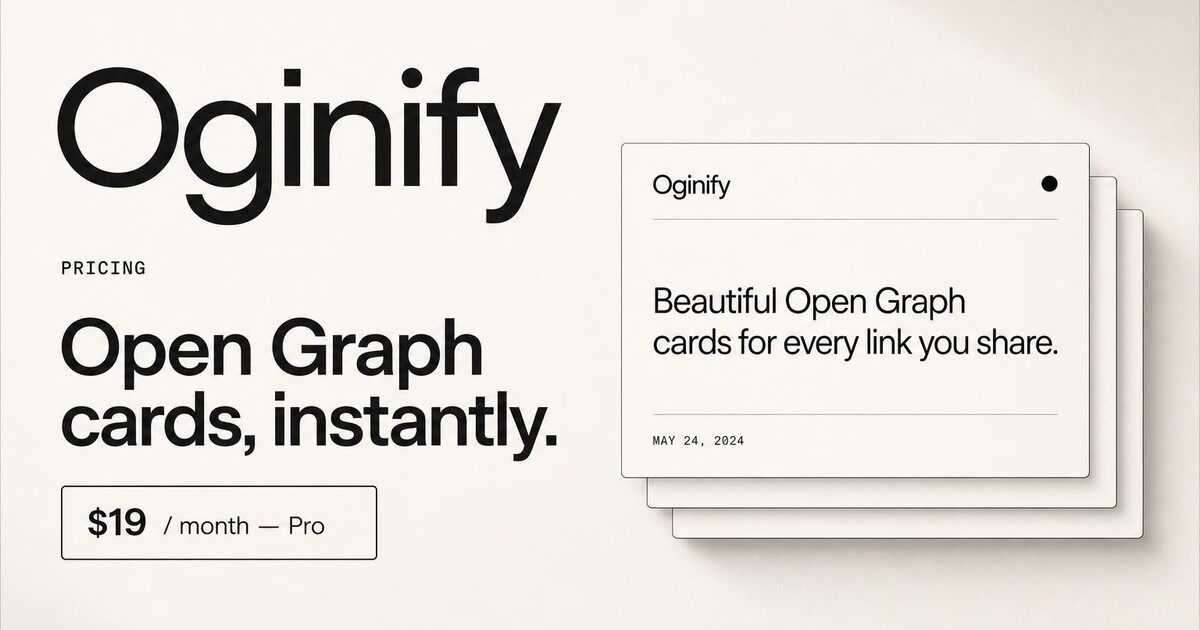
Pricing pages
High-intent links shared in deals, threads and proposals — the unfurl should sell.
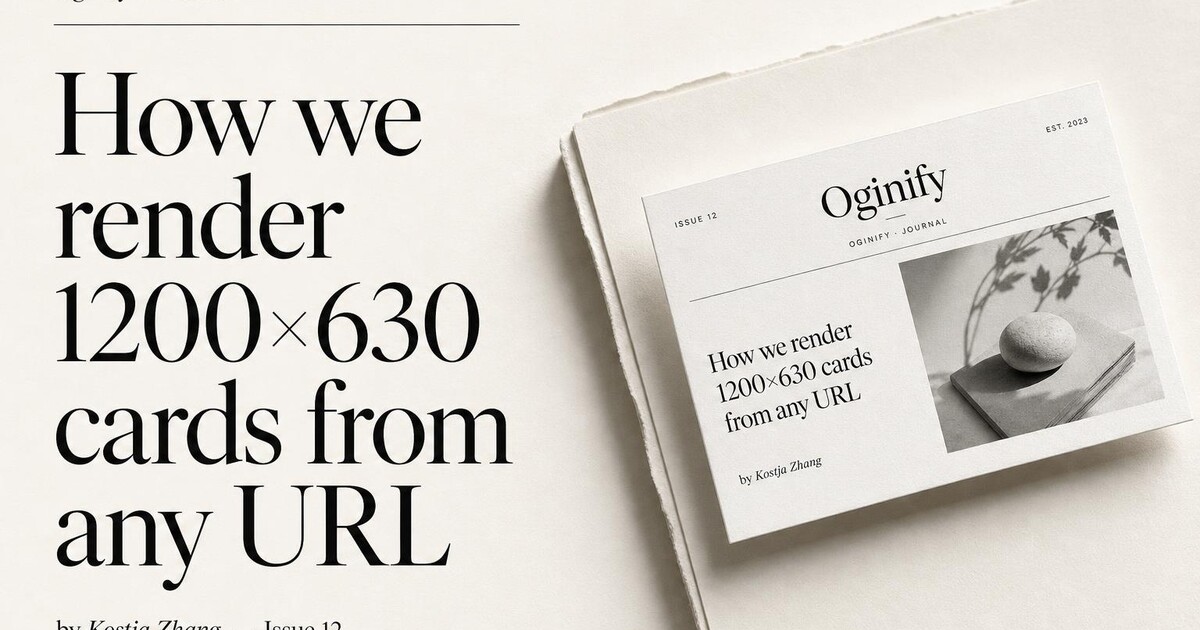
Articles & blog posts
Per-post cards using the real title, byline and brand — at content scale.
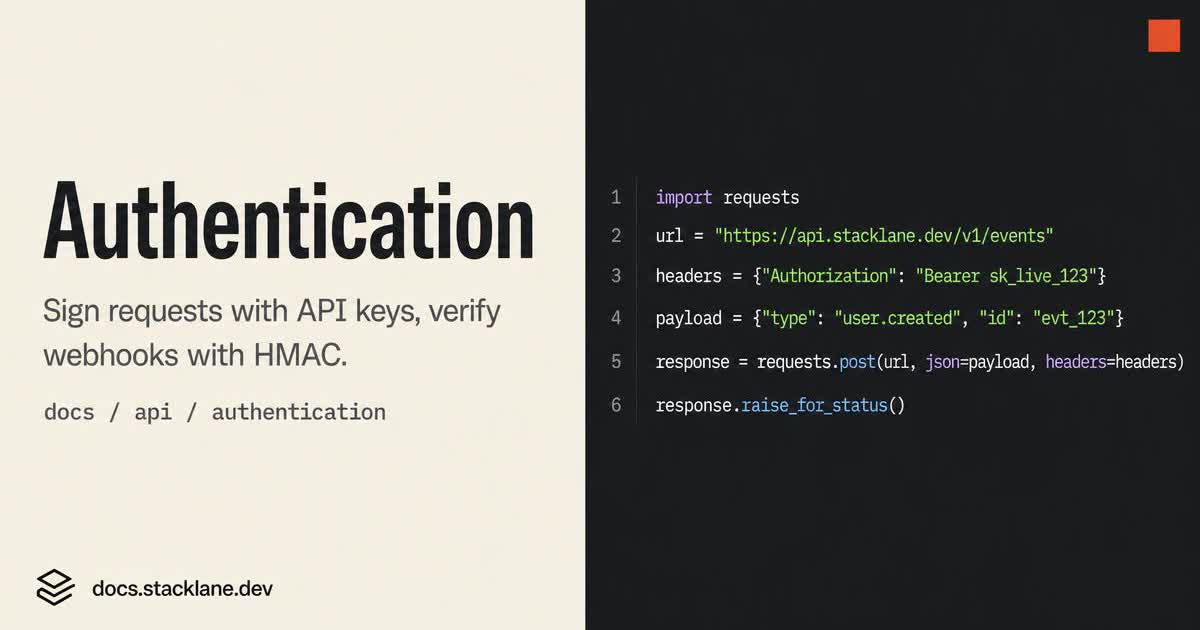
Docs & API references
Turn every docs URL into a card that shows the endpoint, not a generic wordmark.
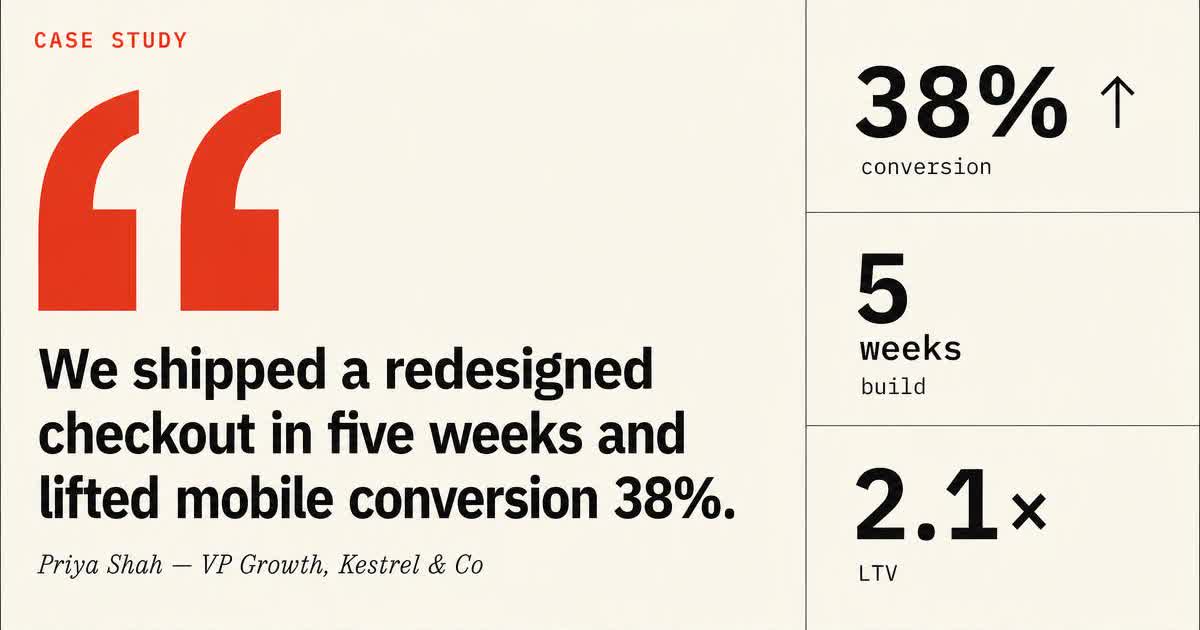
Case studies & customer stories
Every customer story lands as a card built around the pull-quote and the outcome number.
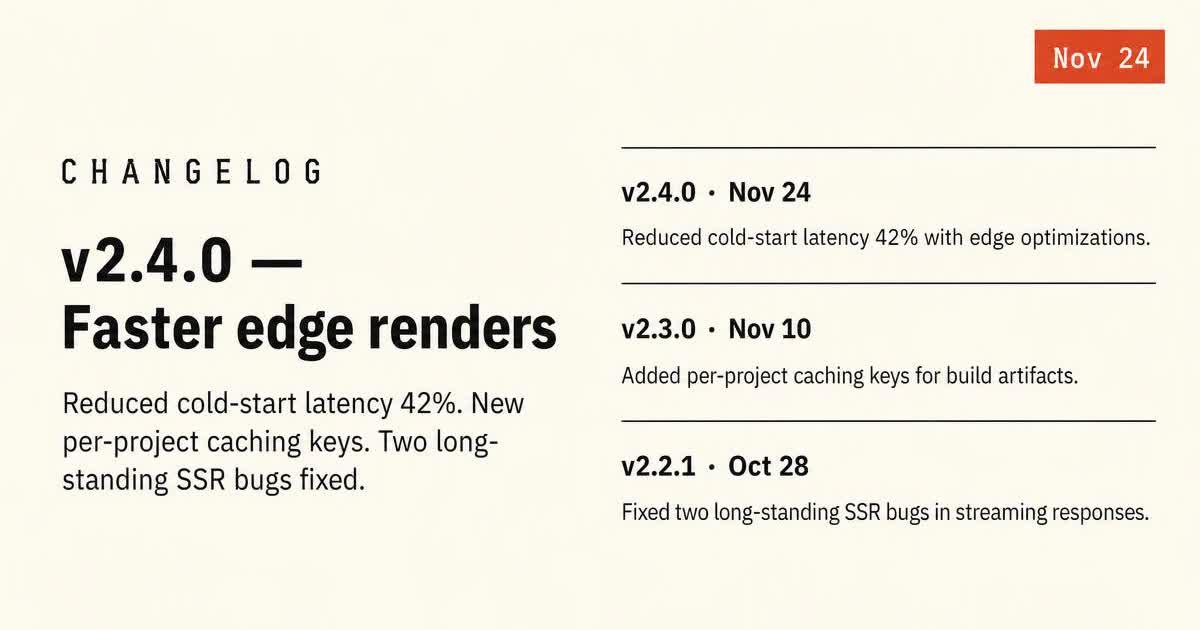
Changelog & release notes
Every release note becomes a dated card that reads like a v-tag, not a marketing banner.
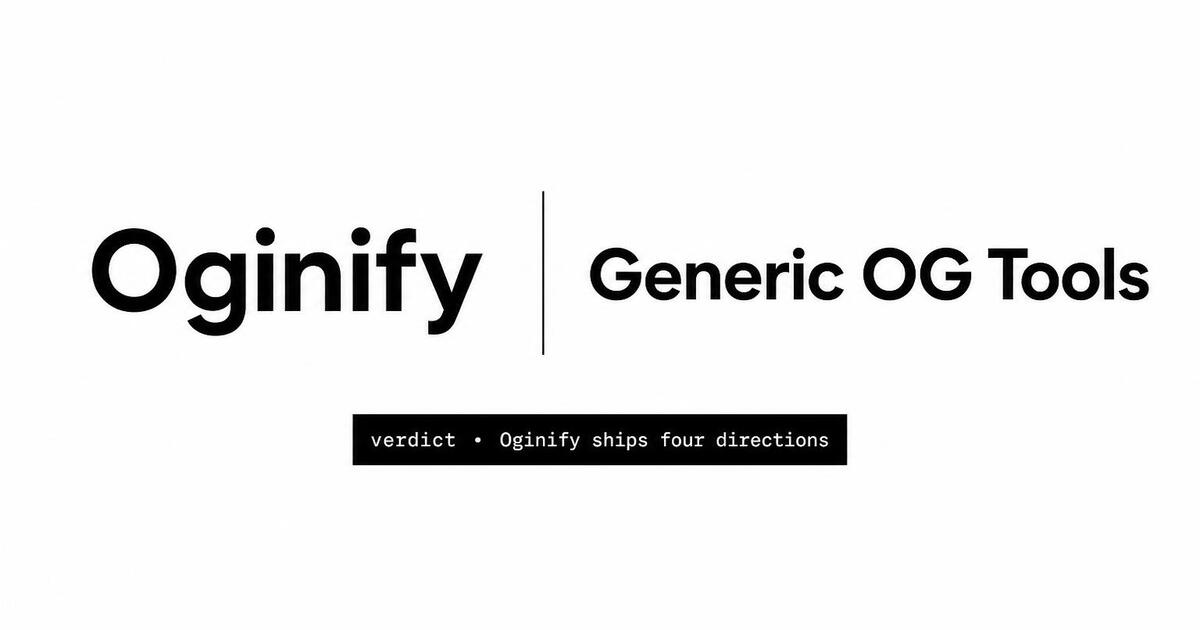
Comparison & vs pages
Selection-intent pages that travel through threads — designed to win the click.
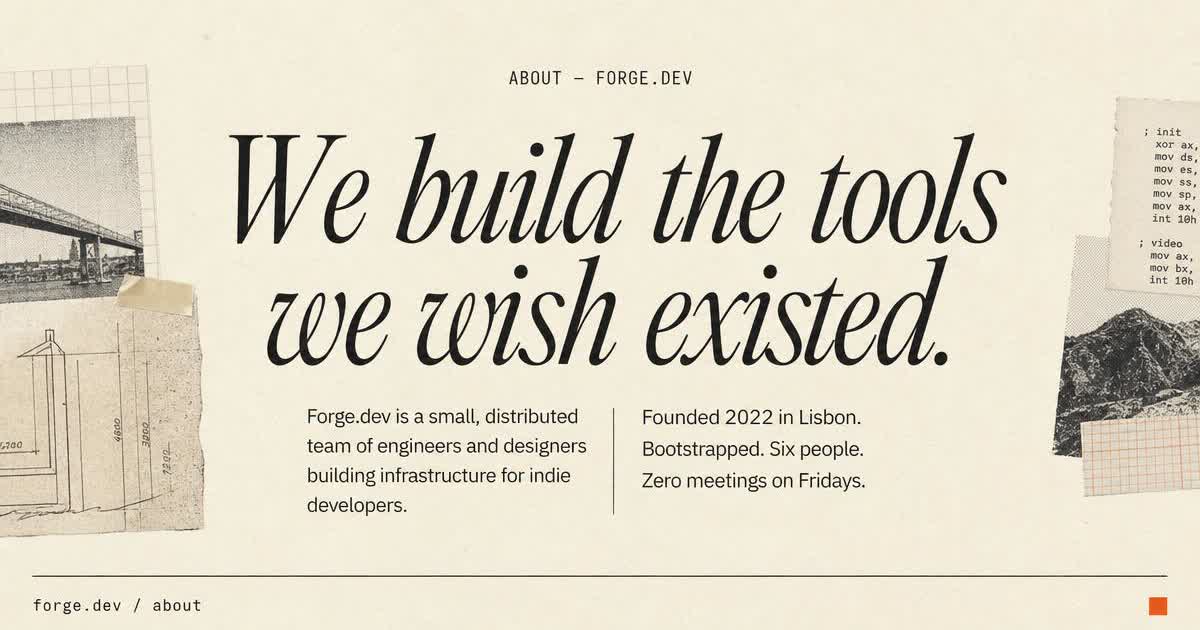
About & company pages
The about page unfurl reads like the cover of the company, not the header of every other page.
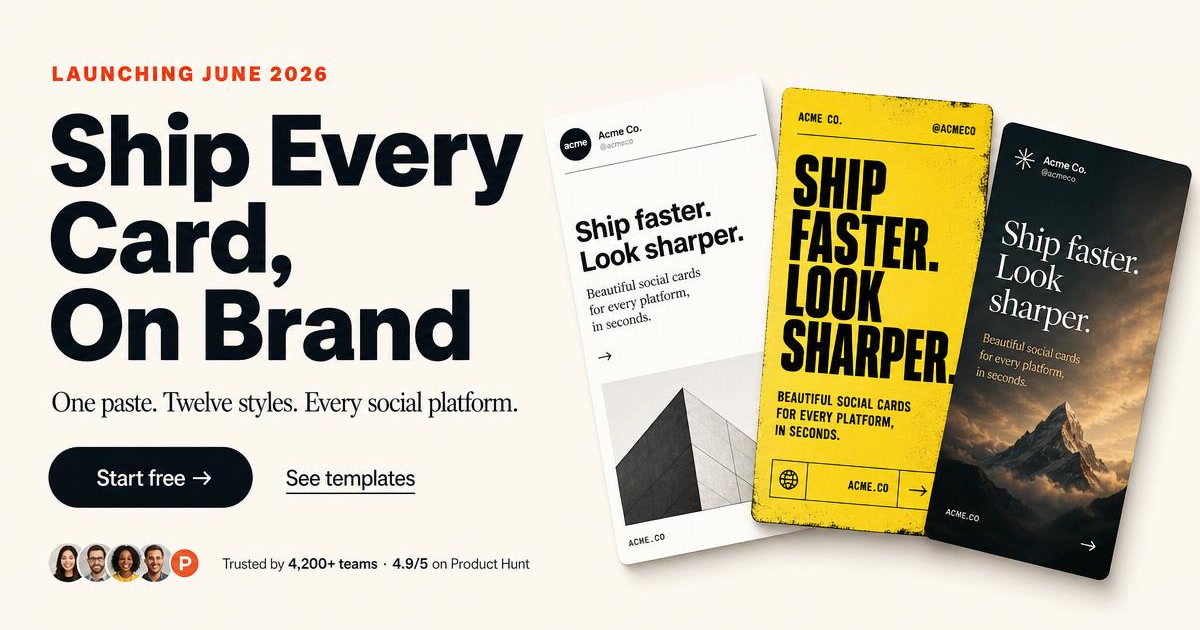
Landing pages
SoonFeature, use‑case, launch and waitlist pages built to convert one specific audience.
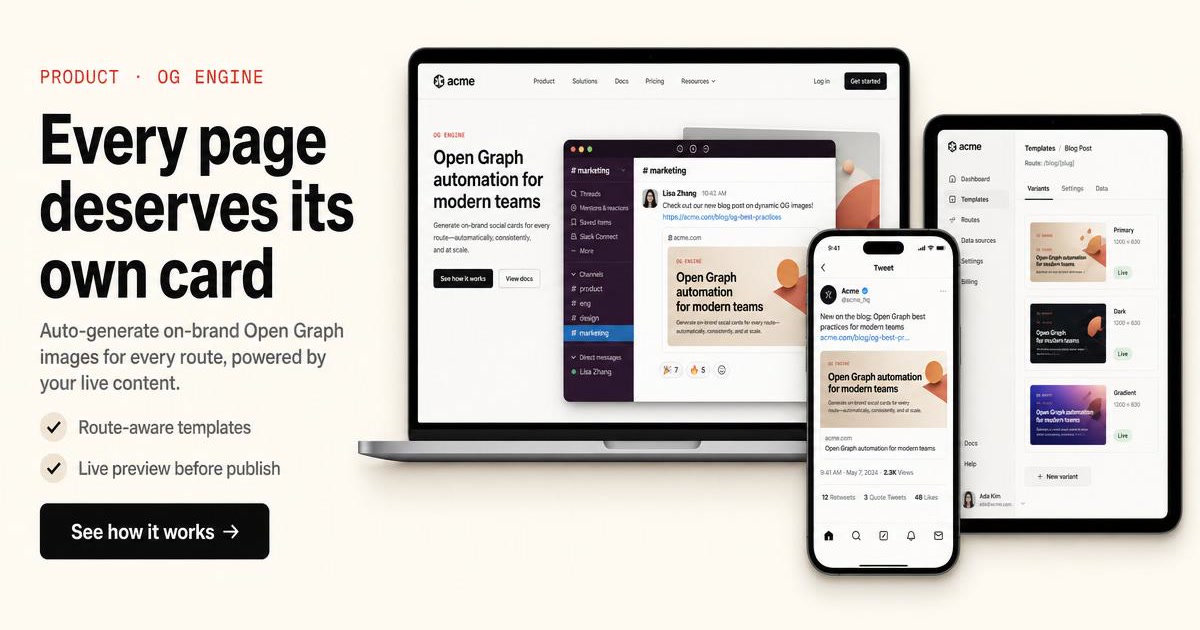
Product pages
SoonE‑commerce PDPs with per-SKU images that auto-refresh on price changes.
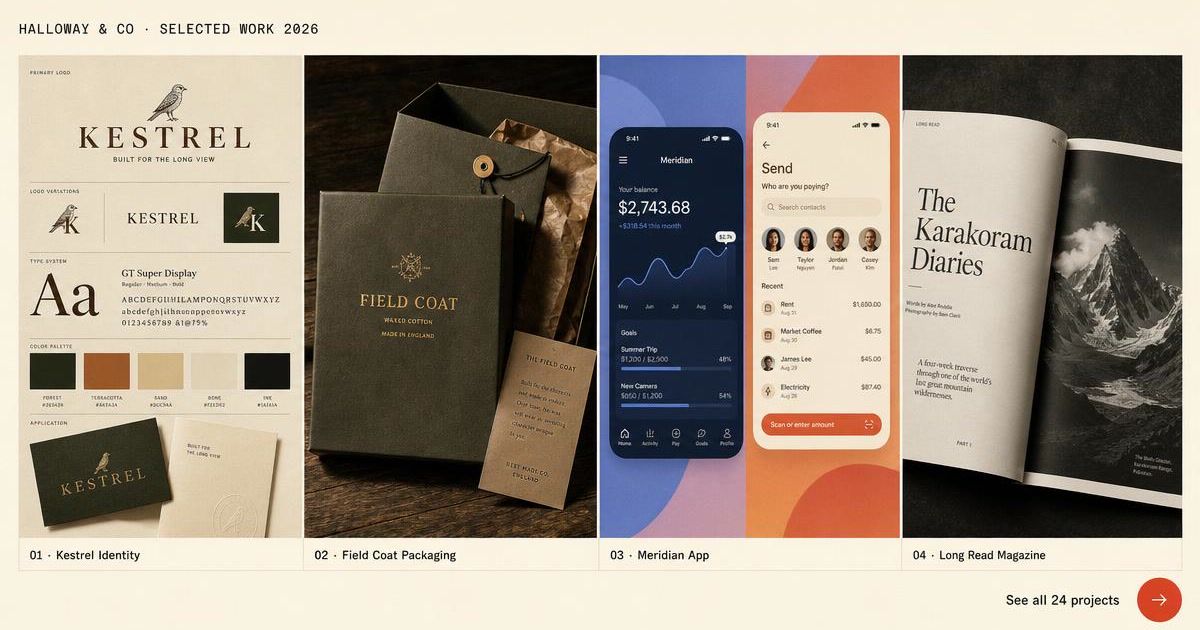
Portfolios & personal sites
SoonSide projects, case studies and essays — every link is a tiny pitch.
Editor Layouts
Ten hand-crafted layouts you can pick inside the generator — each one is a different composition, not a color swap. Preview the geometry here, then open the generator to fill in your own copy, colors, and images.
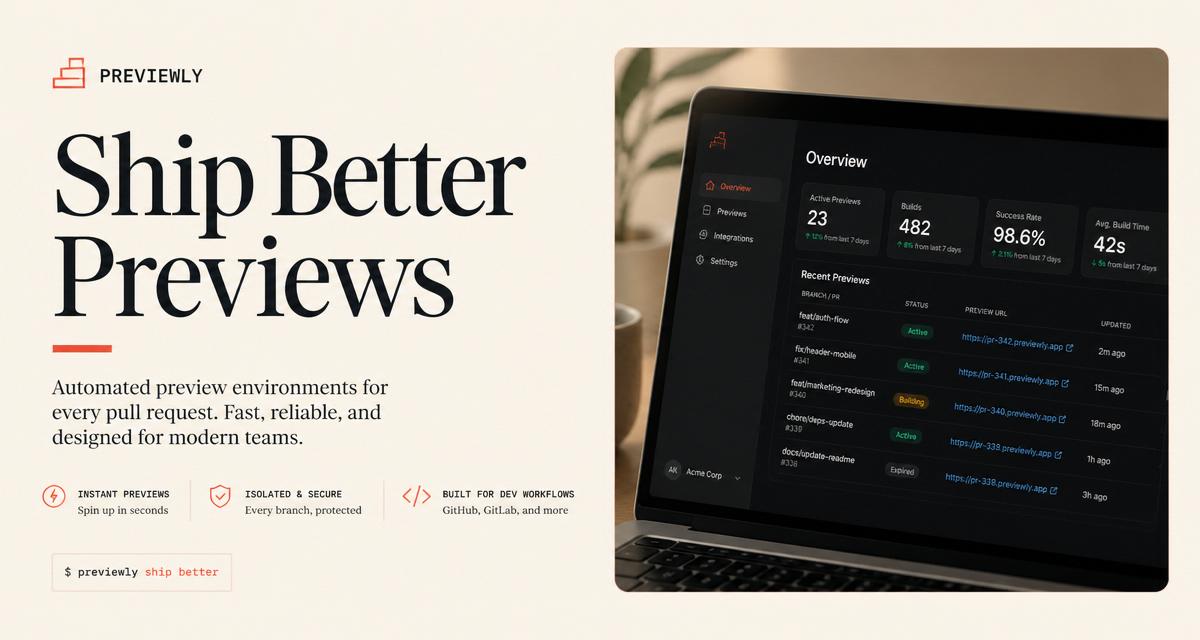
Site Hero
Page title + your own og:image side-by-side.

Brand Card
Big logo, big title, brand tint.
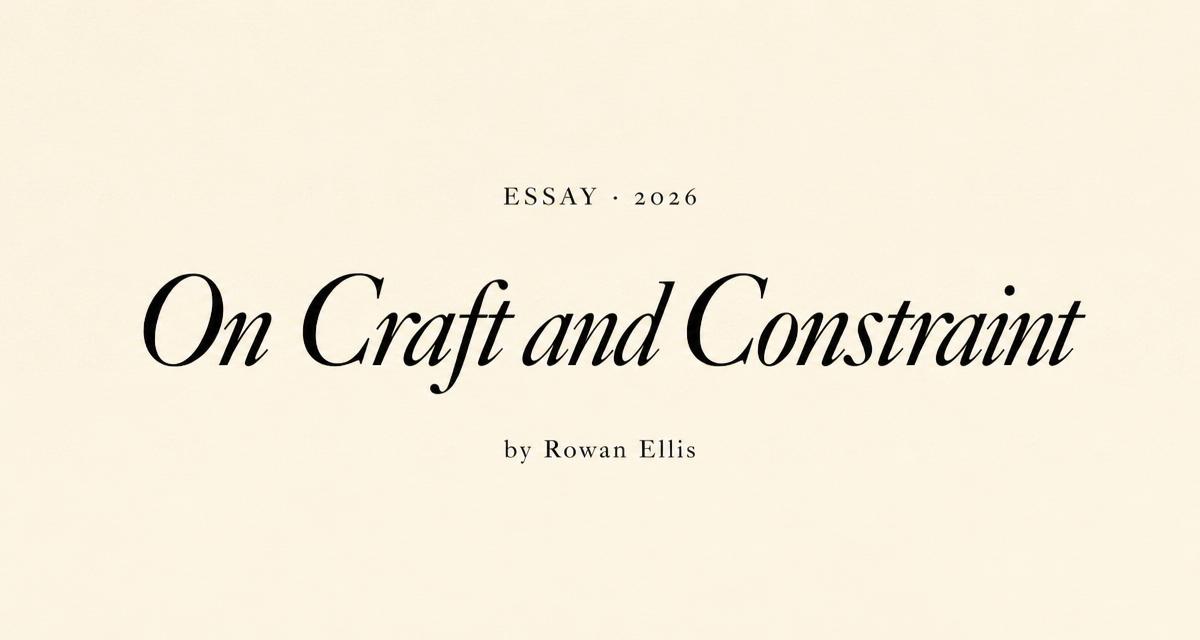
Minimal Editorial
Clean serif headline on cream.
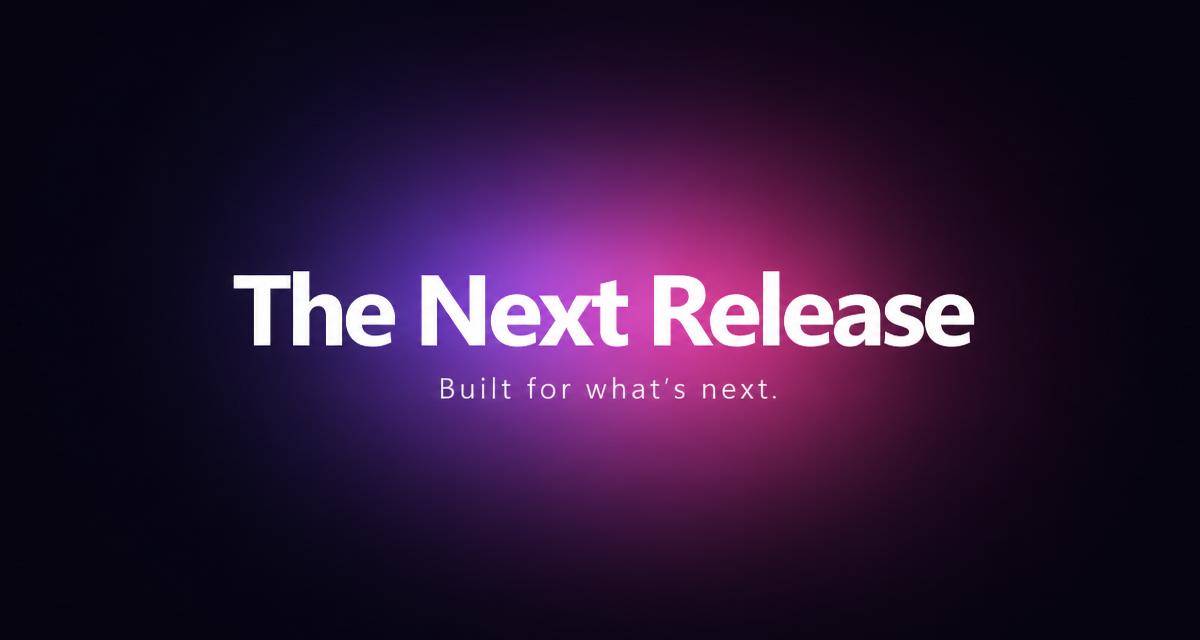
Gradient Spotlight
Centered headline with glowing aura.

Bold Statement
Massive sans serif type.
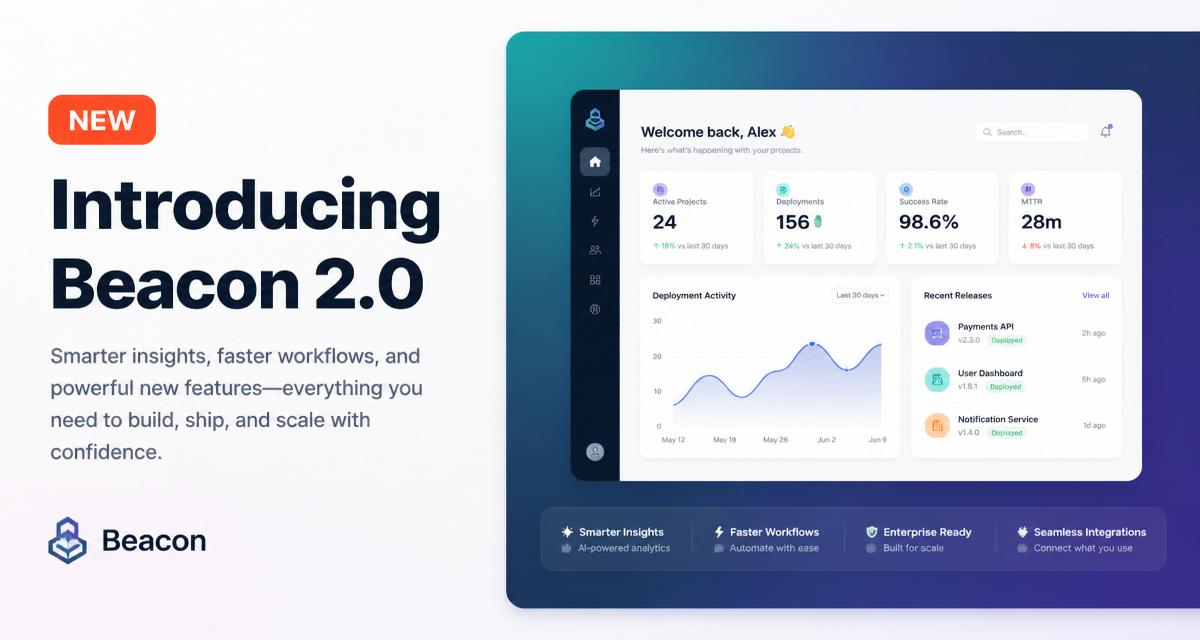
Product Launch
NEW badge with gradient hero panel.
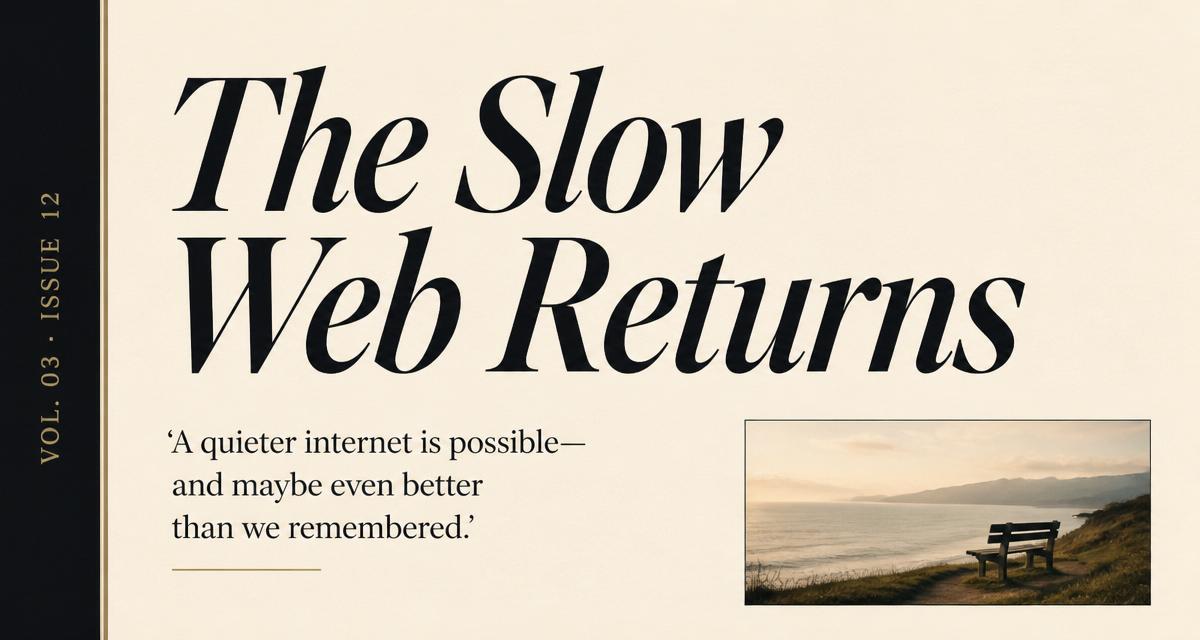
Magazine Cover
Editorial spine with italic serif.
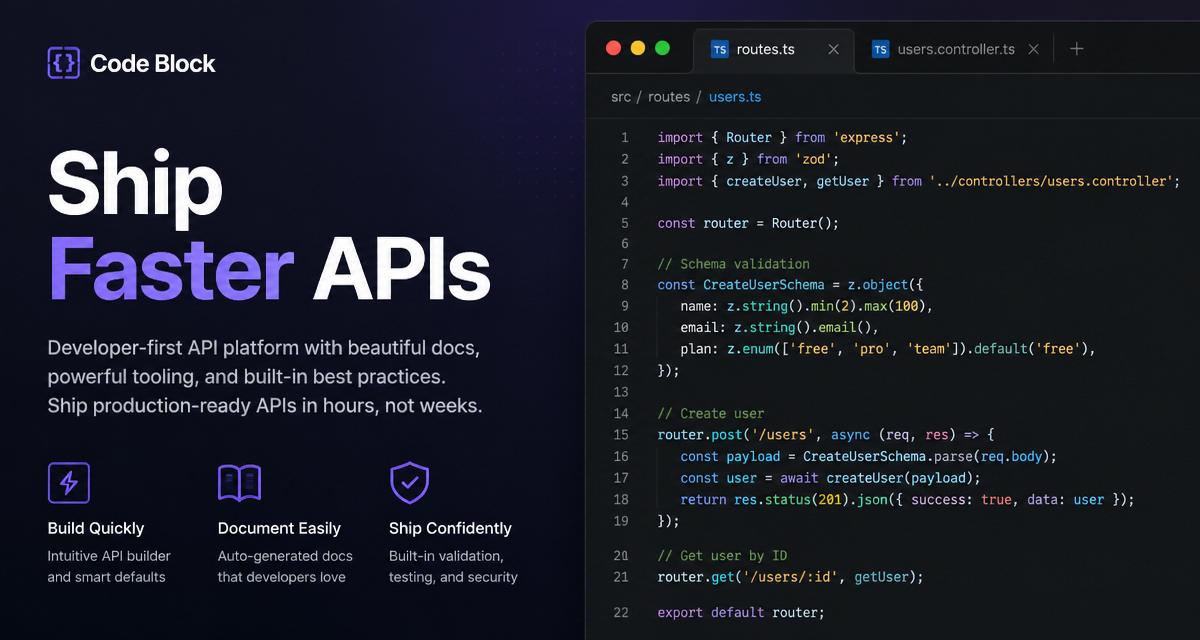
Code Block
Split layout with mock editor.

Quote Card
Pull quote with author block.
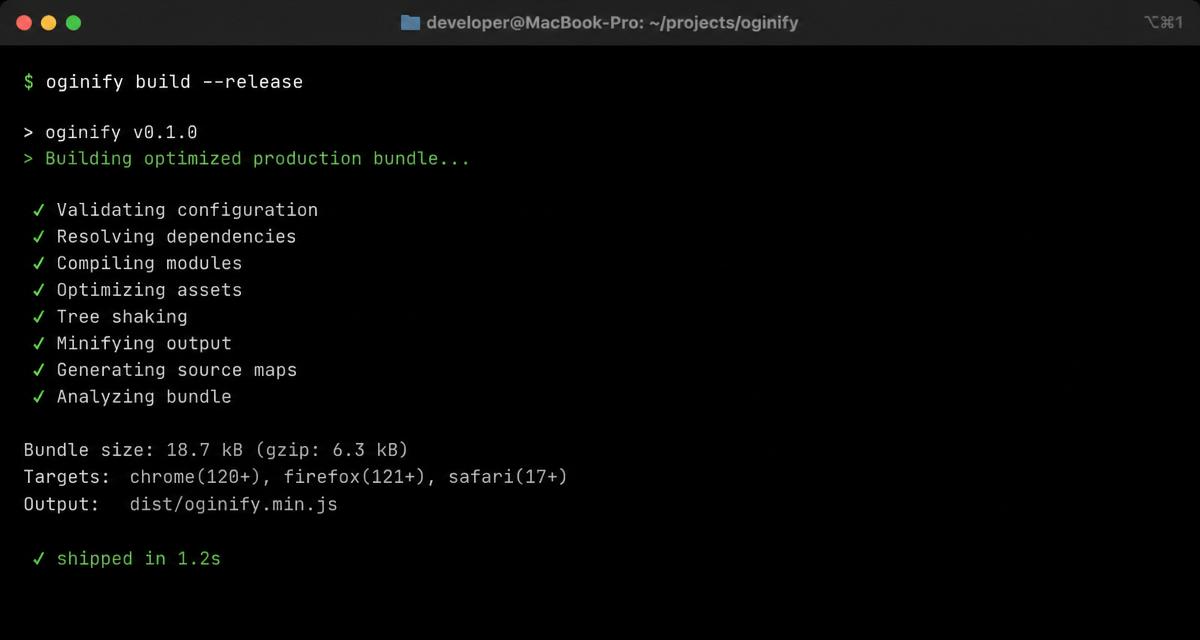
Dark Terminal
Monospaced terminal aesthetic.
Frequently Asked Questions
Layout catalog, how to pick one, and how templates compare to the AI painter.
How do I pick the right Open Graph image template for my page type?
The catalog groups templates by page intent, not by industry: article, product, changelog, comparison, event, pricing, quote, portfolio. Pick the intent that matches your page — the visual system was tuned for what that page type is trying to communicate on a share.
Can I customize a template's colors, fonts and logo?
Yes. Every template exposes primary color, accent color, font-pair and logo slot. Change any of the four; the layout re-renders live at 1200×630. The rest of the composition (grid, whitespace, hierarchy) is fixed — that's what makes it a template rather than a blank canvas.
Are the templates free or do I need a subscription?
All 12 templates are free to use for up to 6 exports per day, no signup. Paid plans lift the export cap and unlock the batch mode (paste a CSV of URLs, get one card per row using the same template).
How is the template gallery different from the AI painter on the homepage?
The painter reads a URL and generates original cards for it. Templates give you a fixed layout and you fill the slots. Painter for 'I want a card and don't know what it should look like'; templates for 'I want a card that looks exactly like this reference'.
Can I make my own template and reuse it across a site's posts?
Yes — on paid plans. Save any customized template as a workspace preset; the API exposes it as a template_id you can pass alongside a URL to render every post with the same layout, colors and logo. Useful when a blog needs one card style across hundreds of posts.
Do the templates render correctly on X, LinkedIn and Slack?
Yes — every template exports at strict 1200×630 with sRGB color and a safe-zone margin that keeps critical text away from the 40px LinkedIn crop and the round corners on iMessage. Test with the built-in preview or the /open-graph-validator page.
Skip the Template Library Entirely
You just scrolled past every template we're not going to make you use. Paste a URL and the painter reads your site instead of a preset grid.