
Open Graph Cards by Website Type
Storefront, SaaS, blog, portfolio, dev tool, agency — each category shares its links its own way. Find yours and copy the system.
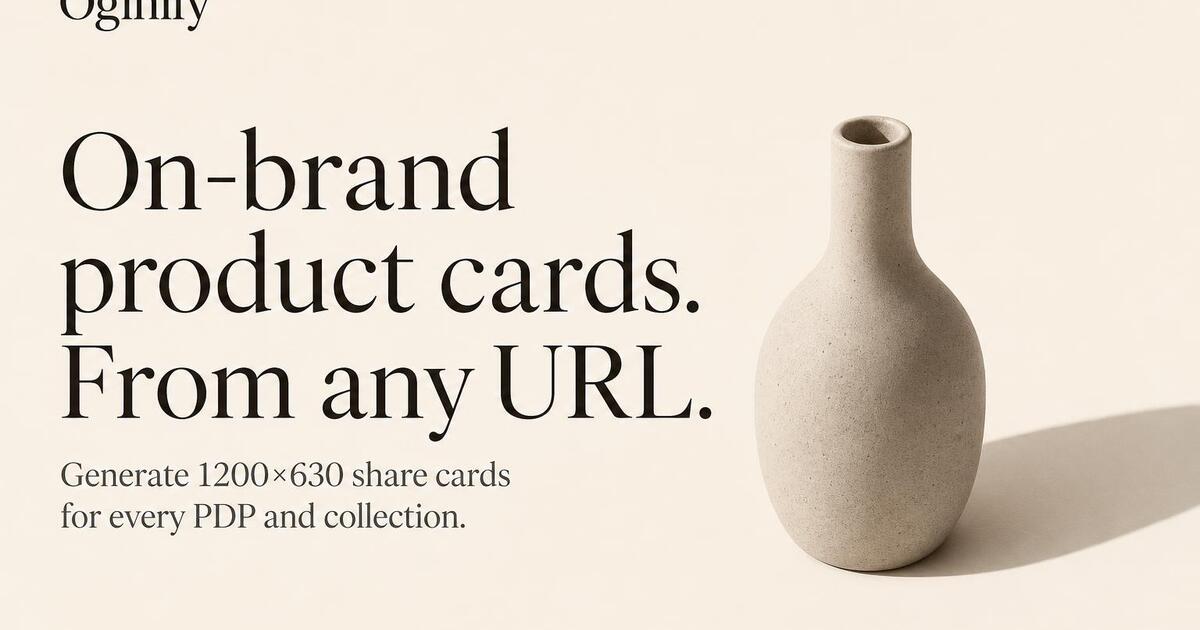
E-commerce stores
PDPs, category pages and campaign landings — per-SKU cards that auto-refresh on price and stock changes.
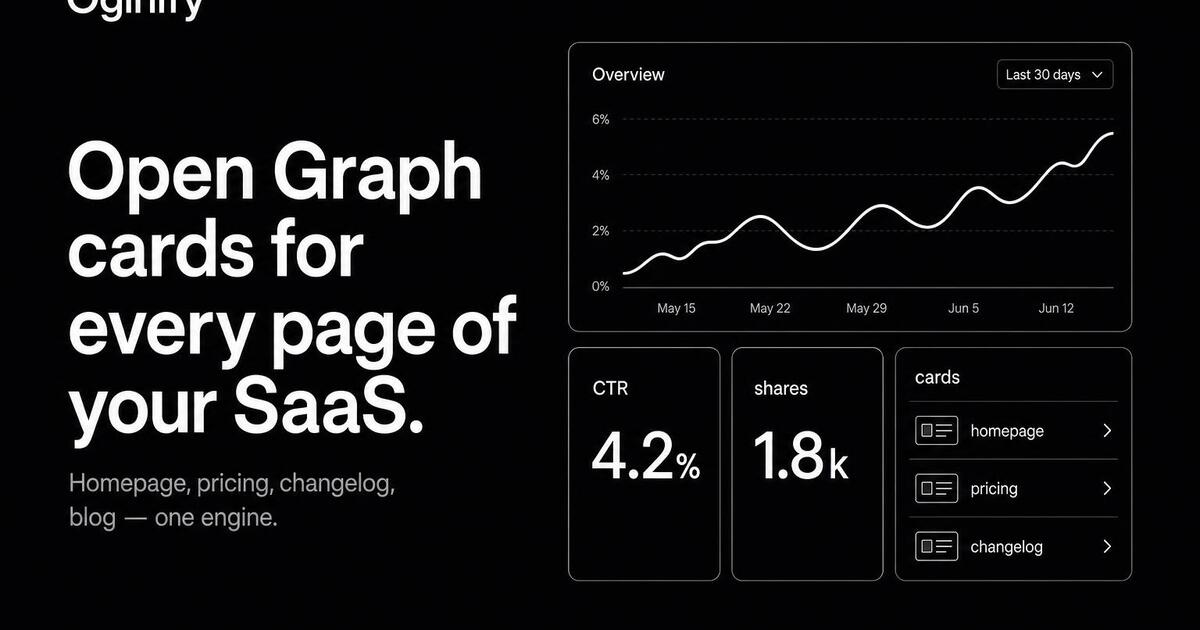
SaaS & B2B
Marketing, pricing and changelog pages that need to look credible in every Slack and LinkedIn unfurl.
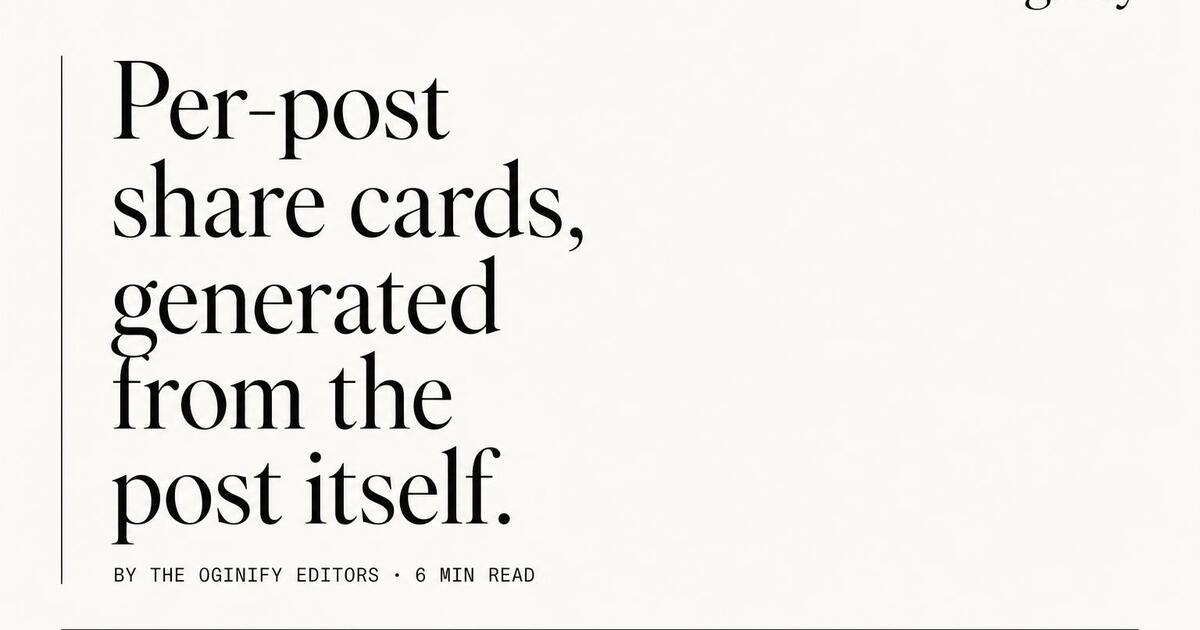
Blogs & newsletters
Independent blogs, Substack and Ghost sites — per-article cards generated at publish time from the headline and hero image.
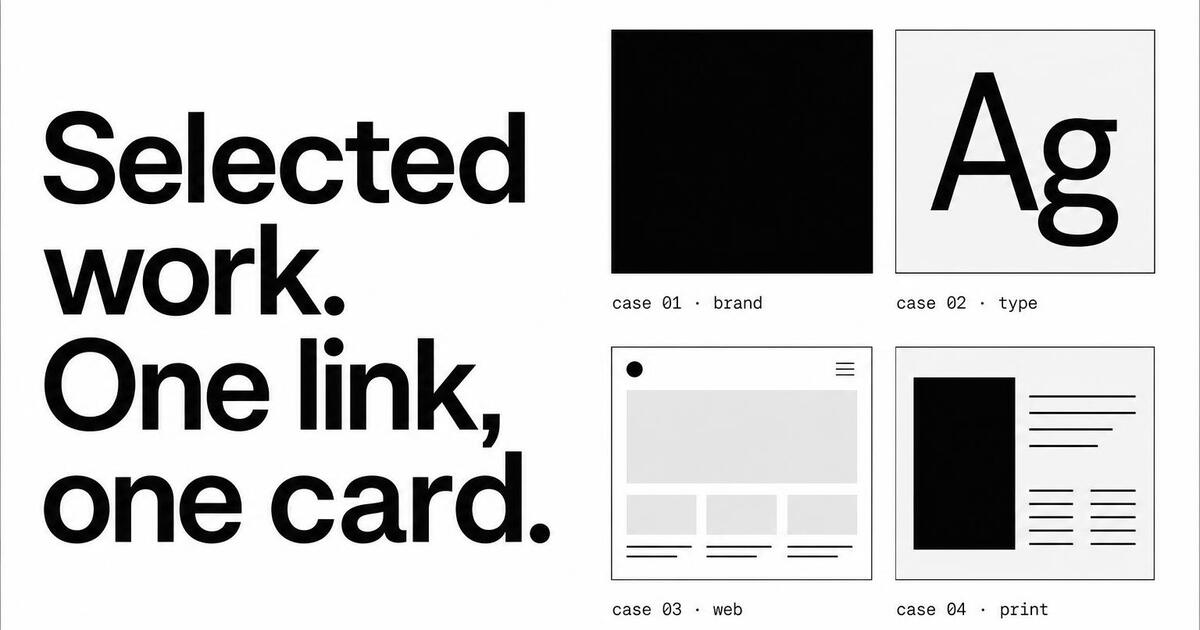
Portfolios & personal sites
Designer, developer and creative portfolios — every project link gets its own little pitch.
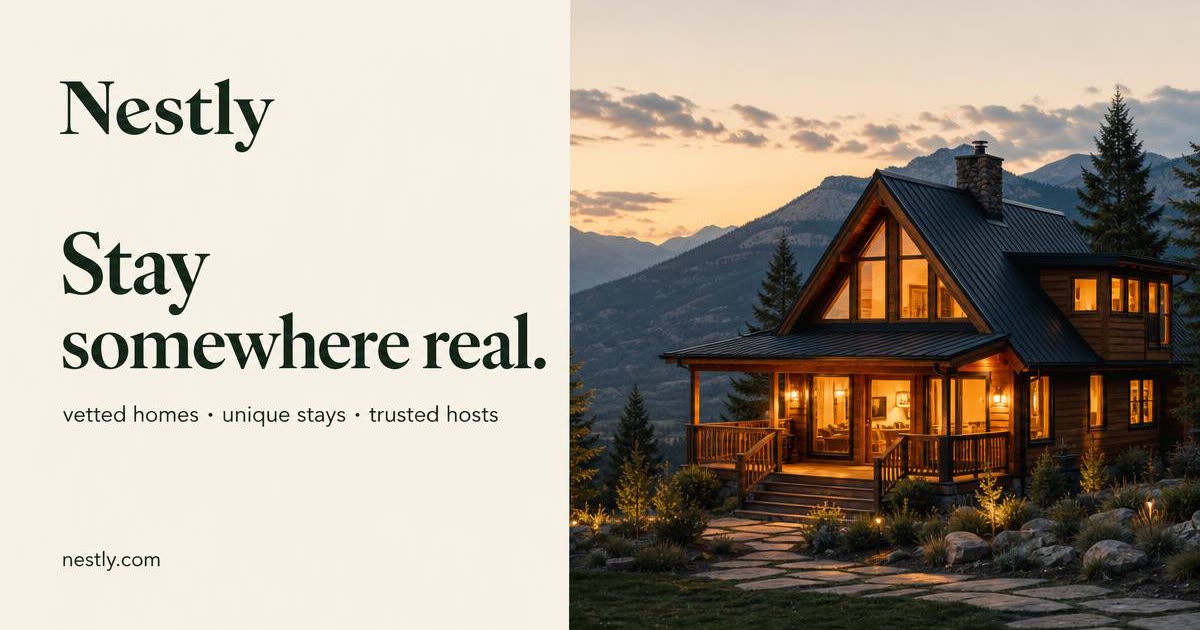
Marketplaces
Two-sided platforms where every listing, category and seller page is its own shareable URL.

Docs sites
Developer documentation, API reference and changelog pages that live or die in Slack and Hacker News unfurls.
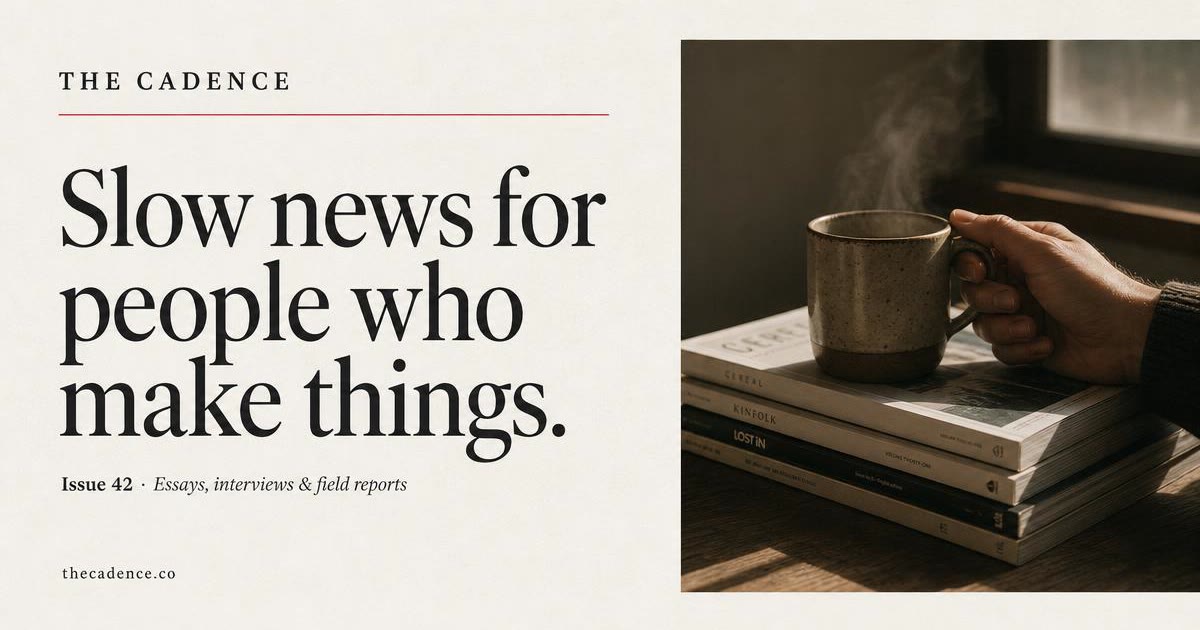
Media & publications
News sites, editorial magazines, opinion columns and newsletters where every article is a share-first URL.
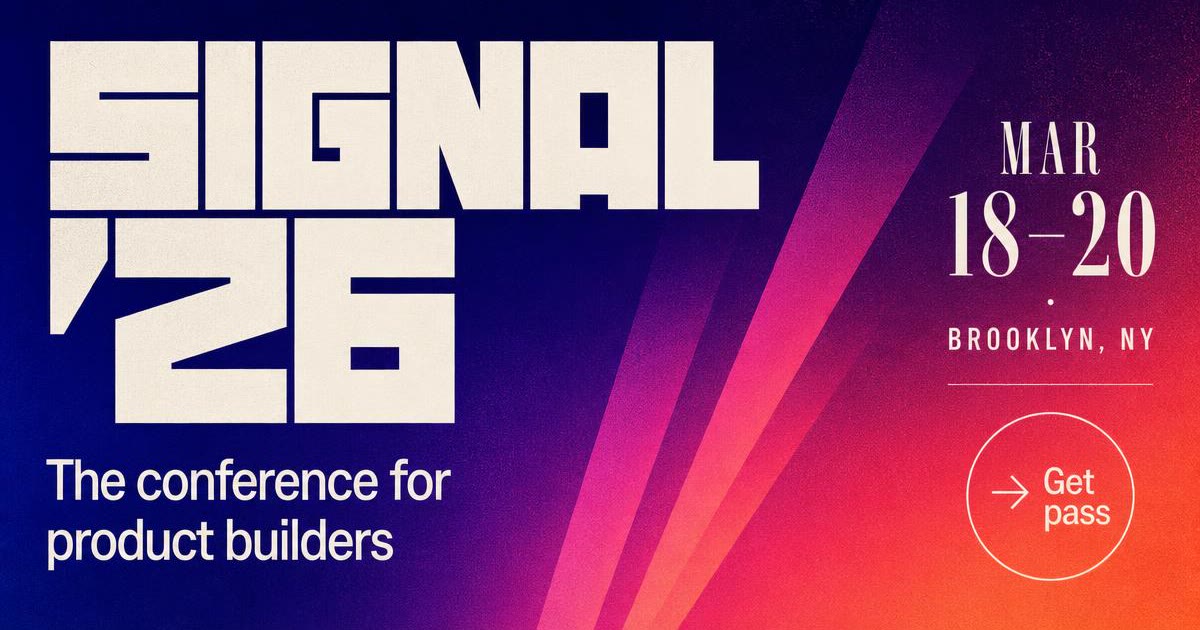
Events & conferences
Conference sites, event landing pages, speaker profiles and ticket pages built to travel on Twitter and LinkedIn.
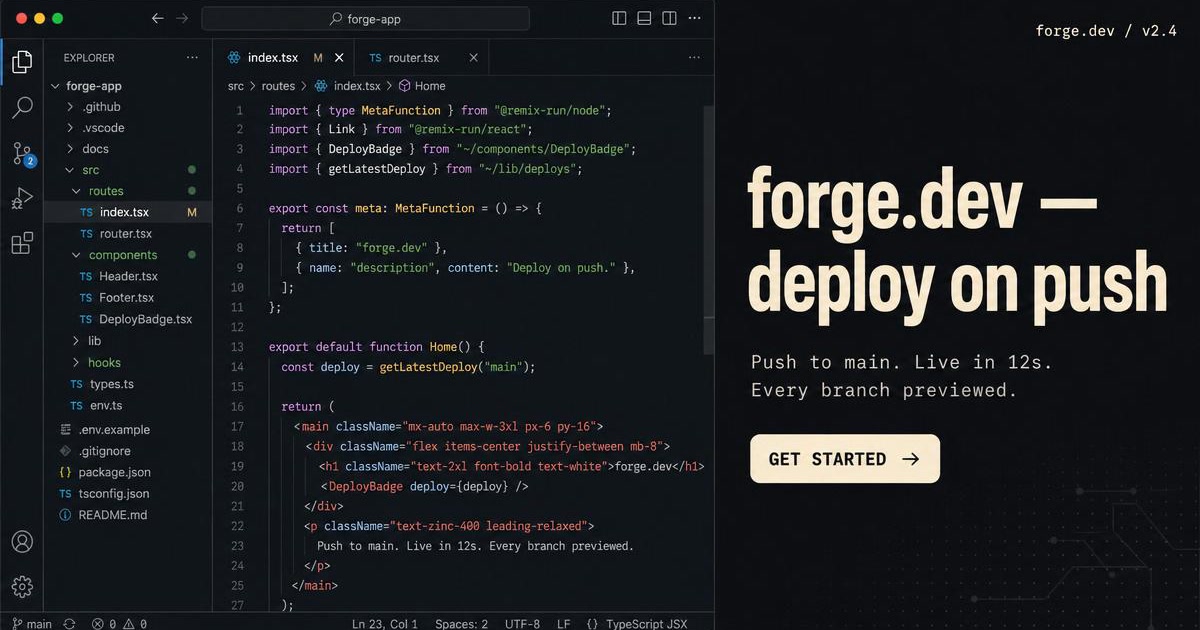
Developer tools
SoonDocs, API references and release notes — terminal-flavored cards that earn the click in dev communities.
Agencies & studios
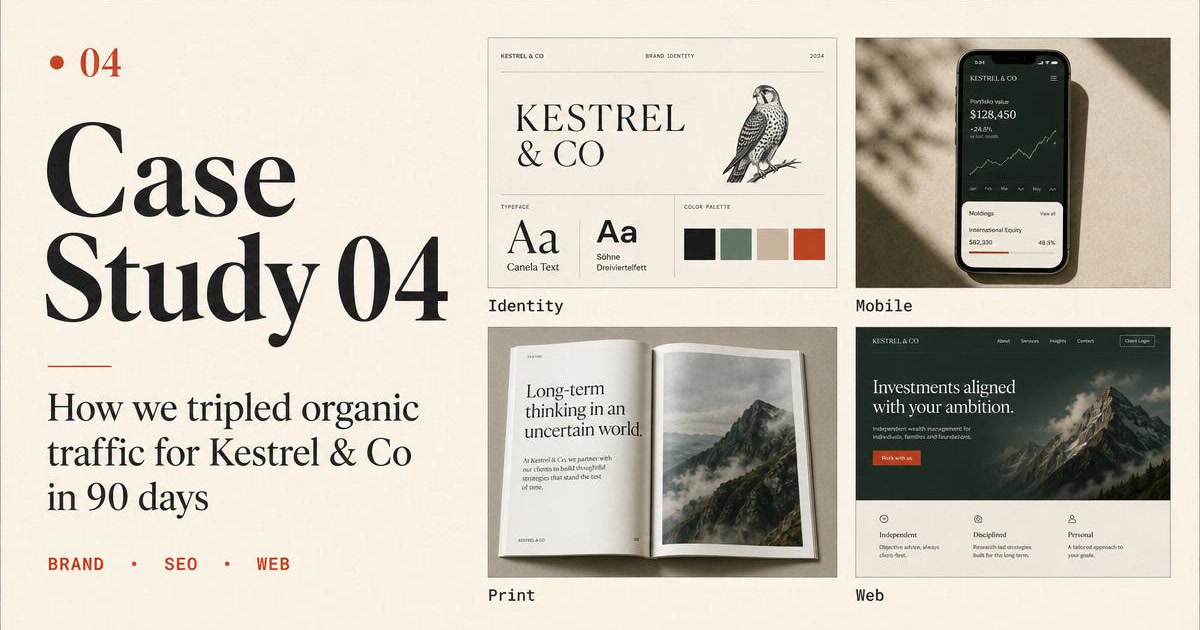
SoonPortfolio, case-study and client work pages — one shared style, dozens of unique cards.
Frequently Asked Questions
How the website-type hub works and how site category changes the default card style.
How does the Open Graph card change based on my website type?
The generator adjusts style priors by site category: SaaS gets swiss/editorial by default, e-commerce gets lifestyle-photo compositions, dev tools get terminal/code-editor layouts, editorial gets magazine, agencies get portfolio grids. Pick your site type from the hub for the tuned entry point.
Which website types are supported here?
SaaS, e-commerce, blog/content, portfolio, agency, and dev-tool/open-source. Each leaf shows four sample cards for that category and links to the URL painter with the correct style prior pre-selected.
Can I switch website type after starting a generation?
Yes — style priors are hints, not locks. Any of the four output cards may cross the boundary (an e-commerce card that happens to land on a swiss layout, for instance). Regenerate to nudge back if the initial four all missed.
Does the tool handle multi-site accounts (one brand, several sites)?
Yes. Create one workspace per brand; each site inside the brand shares the color/logo preset but can override style. Common setup for agencies and platforms running multiple products under one parent.
What if my site is a hybrid — SaaS blog, e-commerce portfolio?
Pick the entry point that matches the URL you're generating for, not the whole site. A SaaS blog uses the SaaS or blog leaf per URL — different pages, different tuning. The workspace-level preset keeps them visually consistent.
How is website-type different from picking a style directly?
Website type bundles a sensible style default for that category. If you already know you want magazine style regardless of category, skip the website hub and go to /styles/magazine.
Stop Browsing, Start Shipping
The cards you've been browsing on this hub were all painted the same way — one URL, four variants, no template picker in the middle.