
Rebrand
Refresh the Card With Every Site Rewrite
A portfolio rewrite that leaves the OG frozen on the old wordmark quietly undoes the whole effort.
On a portfolio, every project link in your bio is a work sample. If those links unfurl as bare text, you're wasting the only look a stranger gets before deciding to click.
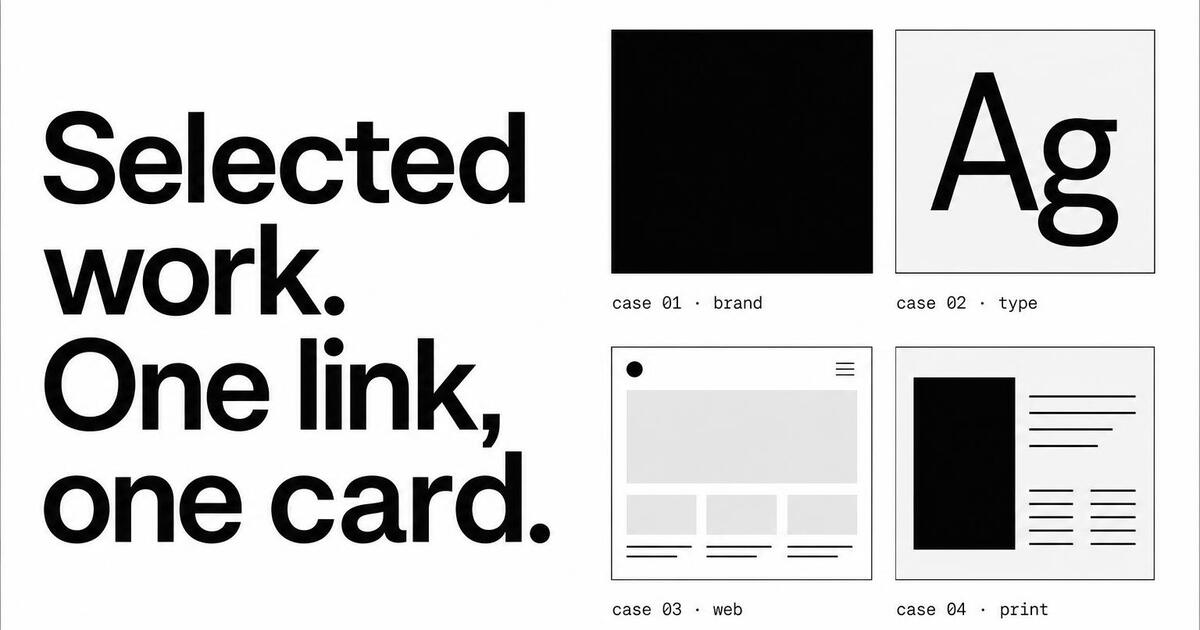
Designers, developers and freelancers live or die on first impressions. The unfurl in someone's DM is often the only sample of your work they'll see before they decide whether to hire you.
Oginify reads each project page and uses the hero image as the visual core of the card. Recipients see the actual screenshot, illustration or product photo in the unfurl — your work is the card, not a logo over the URL.
Portfolio cards have a job most others don't — they have to demonstrate taste. The brutalist and magazine presets are both available; pick the one that matches the work you ship. The card itself becomes a sample of the kind of designer or developer you are.
One generic 'see my work' card across 30 projects is the digital equivalent of a stock business card. Per-project cards mean every link in your bio leads with the specific project the URL points to.
Case studies evolve as you reframe the work. When you rewrite the project headline or swap the hero image, re-run the URL — the card updates in seconds, and old shares unfurl with the fresh version next time someone clicks.
Cargo, Editorial, Framer, Webflow, Notion, Read.cv, hand-rolled Astro — Oginify reads the rendered HTML, so the stack doesn't matter. Stamp the og:image URL into the head and the unfurl is consistent everywhere.
Bio links on Twitter, LinkedIn and Read.cv only show the title and the card. Per-project cards mean every project link earns its own attention, not 'see my portfolio' generic shoutout. Your work does the introducing.
Designer · studio / folio
Designer portfolios are judged in two seconds. The card needs to demonstrate taste before it demonstrates anything else. The brutalist preset — italic serif split with a violent accent block — has become the de facto signature for independent designers in 2026. The card is the proof, the URL is the rabbit hole.
Developer · indie
Indie developers and side-project builders need cards that read as 'this person ships'. The terminal preset — monospace, accent rule, code-snippet kicker — does that work. Each project card shows the stack and the headline outcome, so the recipient knows what they're clicking into.
Studio · folio 2026
A studio's portfolio site is the new business pitch — the link your prospect's procurement team reviews before the first call. The magazine preset gives you editorial weight, large case-study hero photography and a clear typographic hierarchy. The card sets up the meeting before the meeting happens.
Freelance · writer
Writers, illustrators and other creatives have portfolios that span dozens of disparate pieces. Per-piece cards mean each link earns its own attention. The magazine preset uses the piece's headline as the card hero, with a tiny byline mark — the work speaks first, the writer second.
Portfolio URLs go into pitch emails, agency directories and job replies. The card is the first sample of the work.
Rebrand
A portfolio rewrite that leaves the OG frozen on the old wordmark quietly undoes the whole effort.
Signature piece
Show the single project you would want a prospect to remember — real screenshot, honest crop, no mosaic.
Cold pitch
Agencies pitching new business every week share the site URL first — the card decides whether the recipient clicks.
Case log
Every new case study should push a fresh portfolio card so recent work leads the preview instead of a stale hero from last quarter.
A portfolio site is a gallery of gallery cards — every project detail page shares the strongest image from that project, framed with your studio mark.
Each project entry names one hero image in front-matter; that image becomes the card, cropped to 1200×630 with no text overlay.
Small mono studio wordmark bottom-right; it stays consistent across every project so the feed of shares reads as one body of work.
For write-ups, add a text-forward variant with project name and one-line role; longer reads share better with type-led cards, not screenshots.
E-commerce storesSaaS & B2BBlogs & newslettersMarketplacesDocs sitesMedia & publicationsEvents & conferences
Portfolio-site OG cards for designer, developer and creative sites.
Paste the case-study or project URL. Portfolios benefit from image-forward layouts — the generator centers the card around your hero visual with the project name overlaid, so the receiver sees the work before reading the title.
Individual case study. Portfolio links get shared as 'check out this project' — the receiver wants to see the specific work, not the portfolio owner. Homepage links are for the 'about the person' moment; case-study links are for the 'about the work' moment.
Design: magazine editorial or cinematic — leans on the visual. Engineering: swiss or terminal — leans on the type and the code artifact. Match the aesthetic to the work; a design portfolio in Swiss reads as 'I don't care about visual polish', which is the wrong signal.
Yes — that's a common pattern. Cold-email or DM a case-study URL; the recipient sees the project preview in the unfurl before reading the pitch. A strong card converts the 'who is this' skim into a click; a generic favicon-and-title unfurl gets ignored.
Lock a workspace preset — one primary color, one accent, one font-pair, one default style. Every new case study inherits it. Individual project photography varies; the card system stays constant, which is what makes visitors recognize the portfolio across shares.
Cargo and Squarespace reuse the case-study hero photo scaled to 1200×630 — no project name overlaid, often badly cropped. Oginify composes a purpose-built card with photo, project name, client and role as separate legible elements.
Paste any project URL and get a per-project 1200×630 Open Graph card that earns the click. No signup.